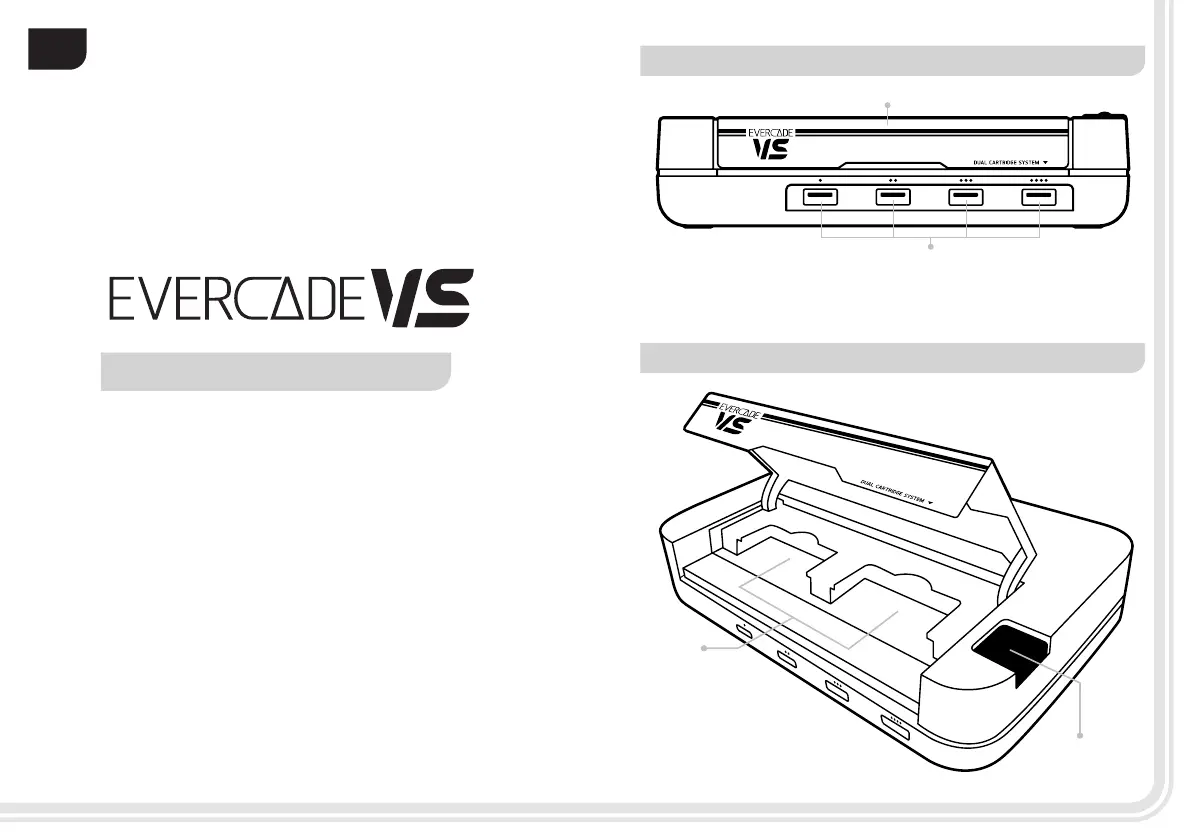
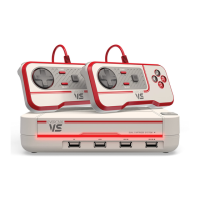
FRONT OF CONSOLE | CART BAY CLOSED
TOP OF CONSOLE | CART BAY OPEN
1. Dual Cartridge Bay Flap:
Open to insert cartridges and close afterwards
2. USB Controller Ports:
Insert your controller for player 1, 2, 3, 4
Congratulations on
your purchase of an
EN
2
1
WE HOPE YOU LOVE YOUR CONSOLE
In order to enjoy your Evercade VS
console properly and safely,
please read this guide before
getting into the action.
2
1
1. Cartridge Bays 1 & 2:
Insert your cartridges here
2. Power Button:
Turns the Evercade VS on and off.
To power on console – press down
power button for 0.5 seconds.
0302


 To Next Page