G4 Multi Channel Weighing Instrument
5-9
Weight accumulation
The print button and serial communication printing function is also used to accumulate
the displayed weight. See also the description of accumulated weights below under
Main menu. Accumulation is done even if no printer is set-up or connected.
Batch report printing
See the separate ‘Scale Batching Program Option’ ‘Technical Manual Supplement’ for
details regarding batching reports.
Main menu
To reach the main menu, press the ‘Info’ button on the instrument front panel. Note that
the ‘Info’ button is only functional from the weight display.
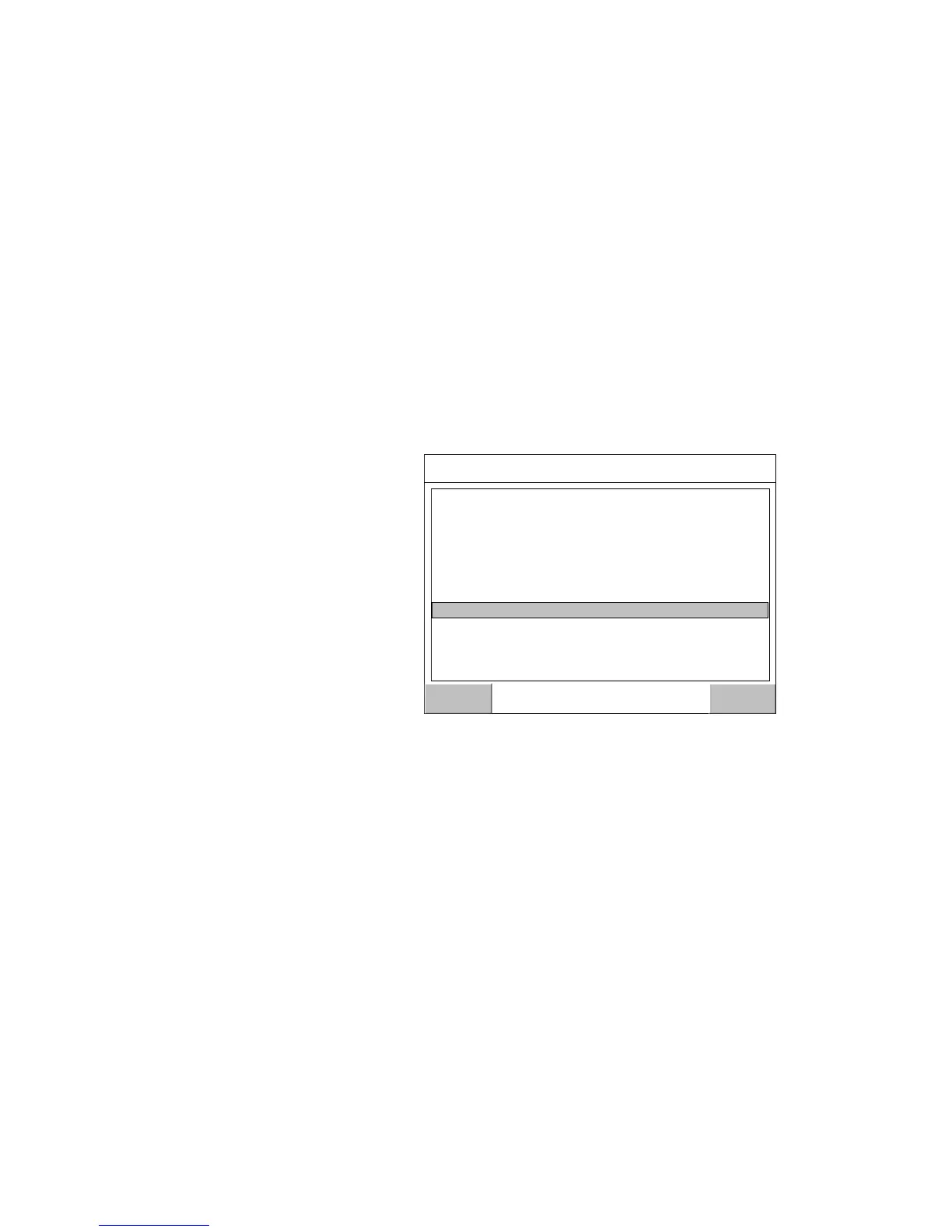
Navigating in a menu is done with arrow keys or by tapping on the display on specific
choices e.g. ‘Parameter set-up’.
To open a sub menu, e.g.
Parameter set-up, select the
sub menu with arrow keys
followed by pressing the
‘Enter key’, or by tapping on
the name.
The instrument Main menu can be opened without interrupting the weighing or batching
operation.
In the Main menu it is possible to select between the following sub menus:
Levels: Viewing and editing of level value for each configured Level Supervision
function. Note that configuration of Level Supervision functionality is done in the
‘Parameter Set-up’ menu.
Setpoints: Viewing of configured setpoint values. Editing of setpoint value is not
possible. Note that configuration of setpoint functionality is done in the ‘Parameter Set-
up’ menu.
Preset Tare: Viewing and editing of preset tares values for scales with tare correction
mode set to Preset or Auto + Preset. Set-up of Scale ‘Tare Corr. Mode’ parameter is
done in the ‘Parameter Set-up’ menu.


 To Next Page