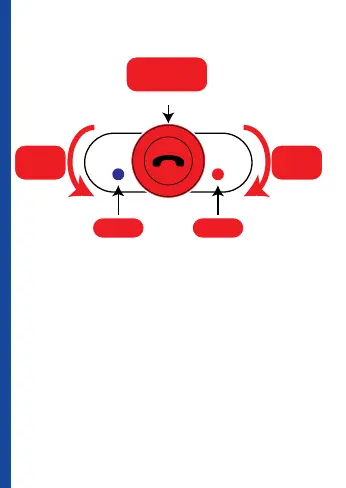
Bluetooth® Headset Control Buttons
Power on
Press MFB button about 2 seconds, blue led flash
and prompt “Power on”.
Power off
Press MFB button about 5 seconds, red led flash and
prompt “Power off”.
Pair with Phone
Please make sure the headset is in power off position.
Push the MFB button for at least 5 seconds till the
LED flashes in red and blue alternately and you will
-
VOLUME
+
VOLUME
Multi Function Button
MFB
VOLUME
INCREASE
VOLUME
DECREASE
BLUE LED RED LED



 To Next Page