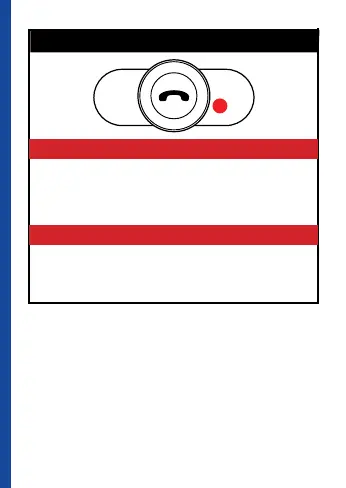
DRIVER SETTING
CONNECT
Press and release immediately MFB button, wait
until the red Led stop blinking.
PASSENGER SETTING
CONNECT
Do nothing, wait for Driver Connection, after this
the red Led stop blinking.
THIRD STEP
-
VOLUME
+
VOLUME
Helmets are now ready for intercom use: intercom
connection will be established between the two
helmets automatically by either driver or passenger
by pressing the MFB button once;
Intercom calls can be terminated pressing MFB
again.



 To Next Page