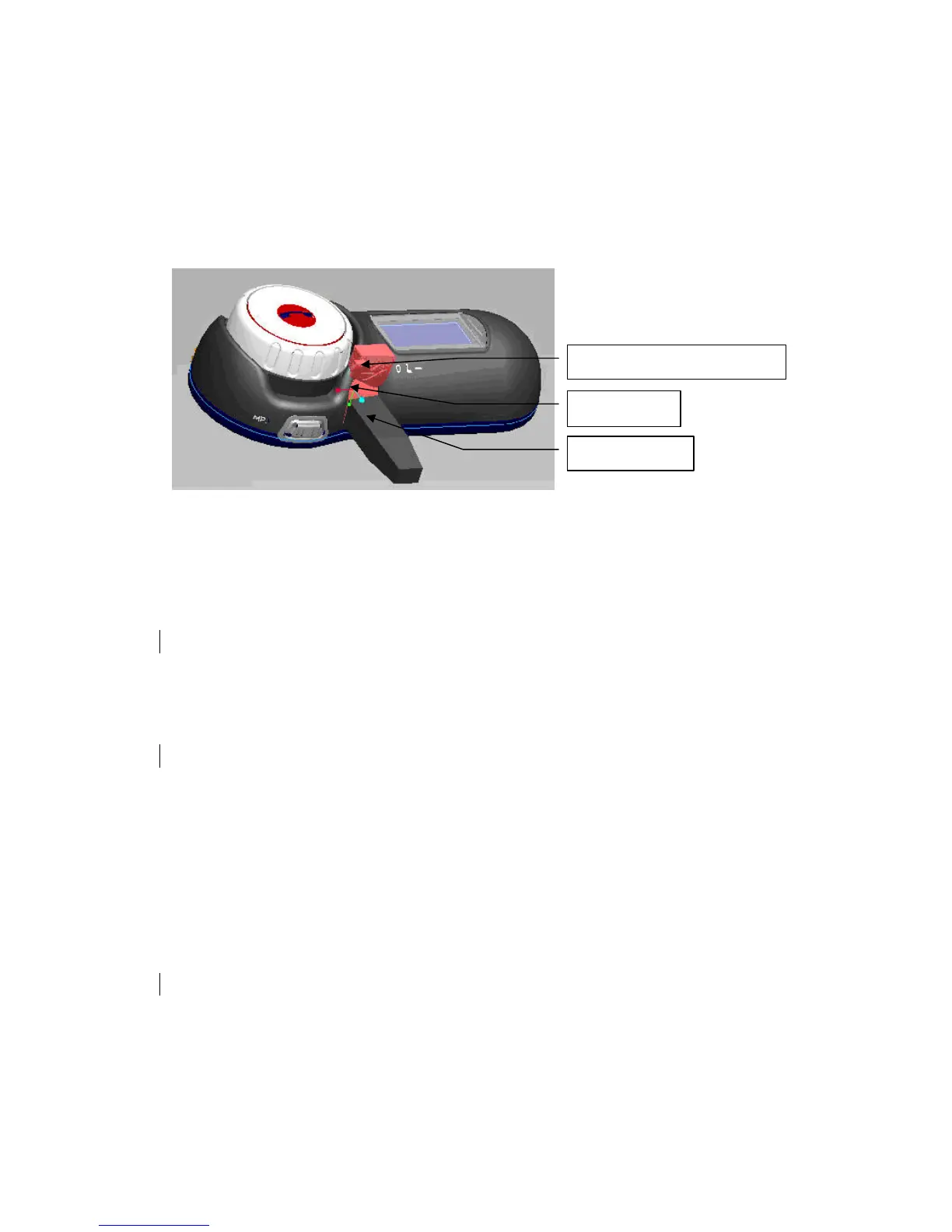
To charge, please use the handle on Charging Port Rubber Cover gently pull out the Cover,
Expose the Charging Port and Plug the Charger Plug into the BlueTooth headset’s Charging Port.
At this time Red LED is on when the battery is charging. As Figure2 shown.
Connect Audio plug:
Connect Audio plug is the same as the charger.
Figure 2
To turn the headset on:
Press and hold the Multifunction Button(BUTTON_MFB) for approximately 2 seconds until
you hear a short low tone followed by a short high tone. Blue LED is flashed.
When turned on, the headset automatically establishes handsfree phone and streaming music
connections with the last connected Bluetooth devices (phone and/or music devices).
To turn the headset off:
Press and hold the Multifunction Button(BUTTON_MFB) for about 5 seconds until will hear a
short high tone followed by a short low tone.
To pairing the headset with a phone:
Before using the headset,you should pair the headset to your mobile phone.
The phone enter the searching BlueDevice mode and with the headset turned off, press and hold
the Multifunction Button(BUTTON_MFB) for about 5 seconds until Blue led and Red led is
flashed aterntively.
Operate the phone to discover and connect the headset. The headset passkey is 0000. If pairing
success.
Pairing, done only once. Each time you use your headphones, it will be automatically connected to
your phone.
Note:Before enter pairing mode,please make sure other BlueDevices are closed.
Charging Port
Charging Port Rubber Cover
Charging Plug



 To Next Page