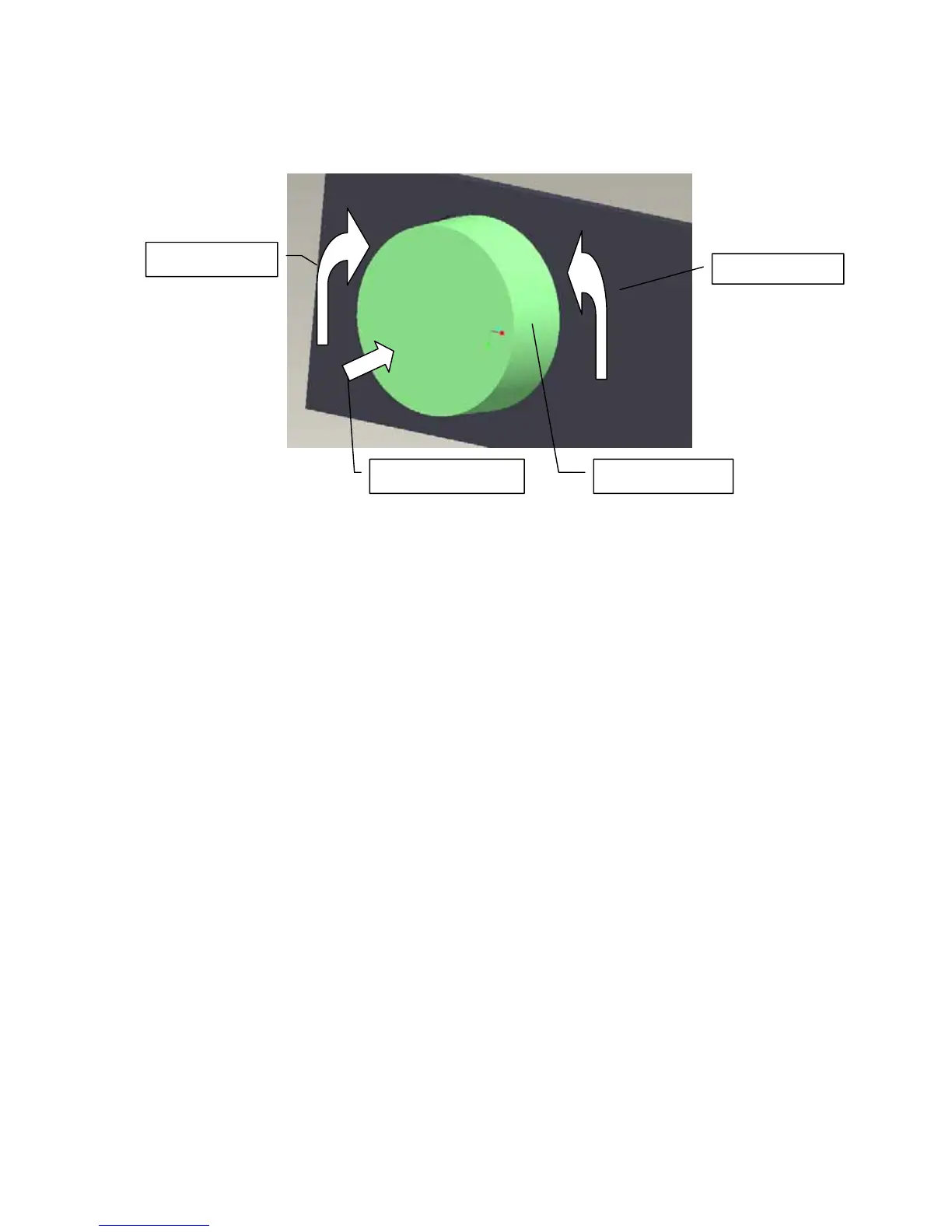
level , repeatedly, until you reach the desired volume level.
You can adjust the headset speaker volume during a call, or the ring volume when you are not
engaged in a call.
Figure 4
To transfer the sound to the phone:
During a call using your headset, press and hold the Multifunction Button(BUTTON_MFB)for
about 2 seconds.If your headset work with HeadSetProfile, you just need turn down your headset.
Transferring sound from phone to headset:
If you make a call using your phone, you can transfer the sound to the headset if the headset is on,
press and h1old the Multifunction Button(BUTTON_MFB) about 2 seconds.
How to use Bluetooth Intercom function
First-Time Use:
First time to use Bluetooth Intercom function, before two headsets want to make intercom call,
they should be pair each other. If pair succeed and link message not lost, they can use Intercom
function to call just needn’t pair again.
Note: When placing or receiving calls, intercom is automatically
terminated. When the call is
finished, intercom can’t be resumed.
How to pair for Intercom:
Headset is in power on status(wait 5 seconds after power on headset) turn and hold the Control
Button deasil (or anticlockwise) about 5 seconds until Blue LED and Red LED is flashed
aterntivrly and headset(master role) enter Inquire mode. Then headset(slave role) should press and
Control Button
Volume Decrease
Volume Increase
Multifunction Button



 To Next Page