Blink Focos User Manual
Using Blink Focos
Buttons and Controls
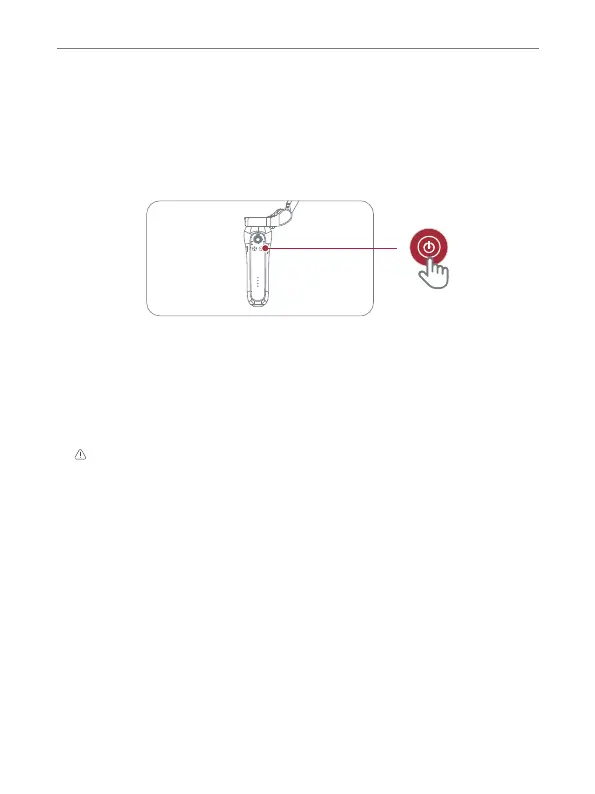
1. Power Button
Power on: press and hold the power button for 1 second until the indicator
lights turn on and the gimbal makes a start sound.
Power off: press the power button for 1 second until the indicator lights
go off.
2. Mode Button
Press twice: make the gimbal gets back to the center position.
3. Shutter
Reset Bluetooth: press and hold the power button and the shutter button
for 3 seconds to reset the Bluetooth, which will disconnect the gimbal from
the mobile phone currently paired.
Single quick press: quick press the power button to switch between
horizontal and vertical shooting modes. When the gimbal is jammed, the AF
light will flash; reset this with a single quick press.
Tips: The arms should be folded manually after power down, and the phone holder should
get back to the storage position.
8


 To Next Page