5
DEFAULT SETTINGS
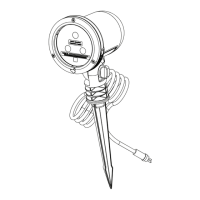
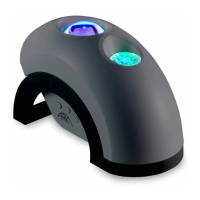
Once the projector is plugged in, it will enter the default mode where all eects are on. Use
the button on the cord to change the eect settings. This light has a built-in timer that is
designed to automatically shut o after 6 hours of operation. Use the BlissHome app to
control brightness, control cloud color, rotation speed, and set advanced timers.
INSTALLATION TIPS
• Do not connect the light to a dimmer pack, as a dimmer accessory may damage
internal components.
• The darker the display area, the brighter your projection will appear.
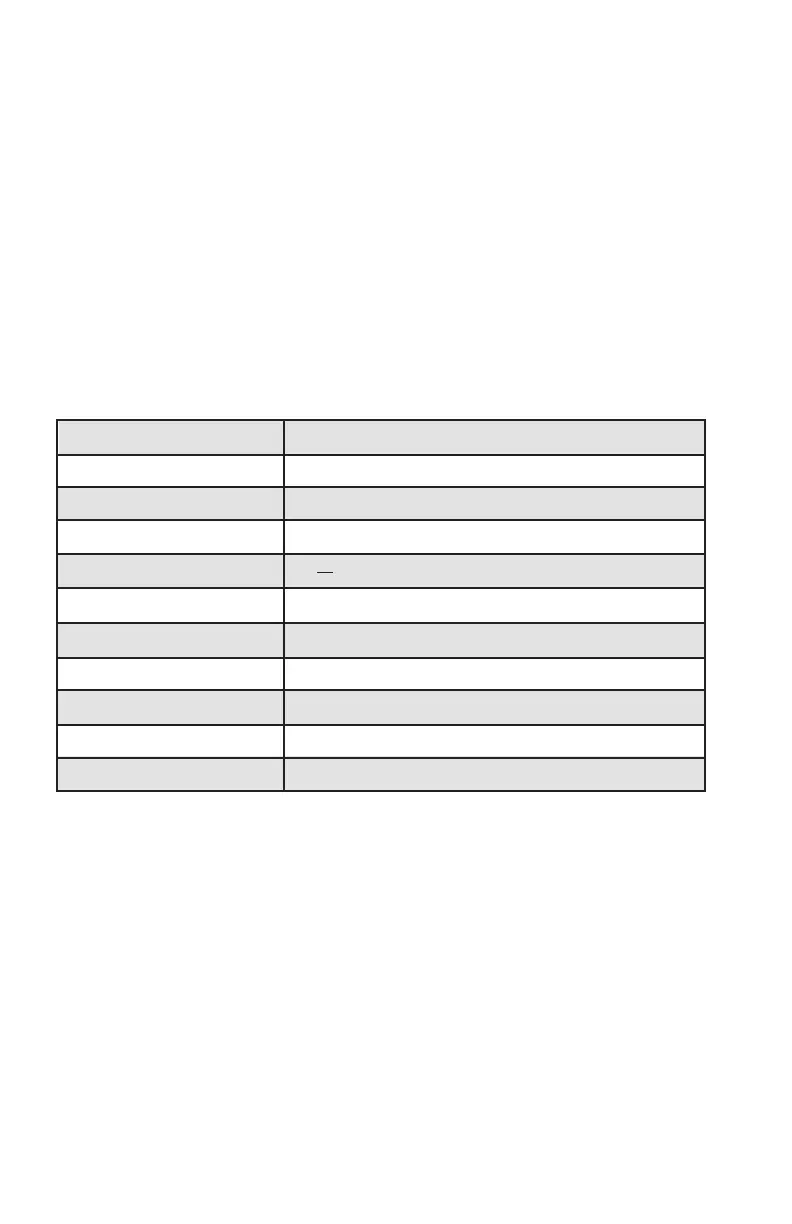
PRODUCT SPECIFICATIONS
Nebula Cloud Color RCBW
Housing ABS+PC plastic
Power consumption 10 W
USB Power Adapter Input 100-240 V ~ 50/60 Hz, 0.2 A
USB Power Adapter Output 5V --- 2A
Operation Indoor
Operating Temperature 14°F to 95°F (-10°C to 45°C)
Projection Coverage 15 x 15ft
Maintenance Maintenance Free
Dimensions Projector (5.25” Sphere) + Base (Diameter 4” x 1”)
Cord Length 5 ft (1.5 m)
Designed in the USA
By BlissLights LLC
Made in China



 To Next Page