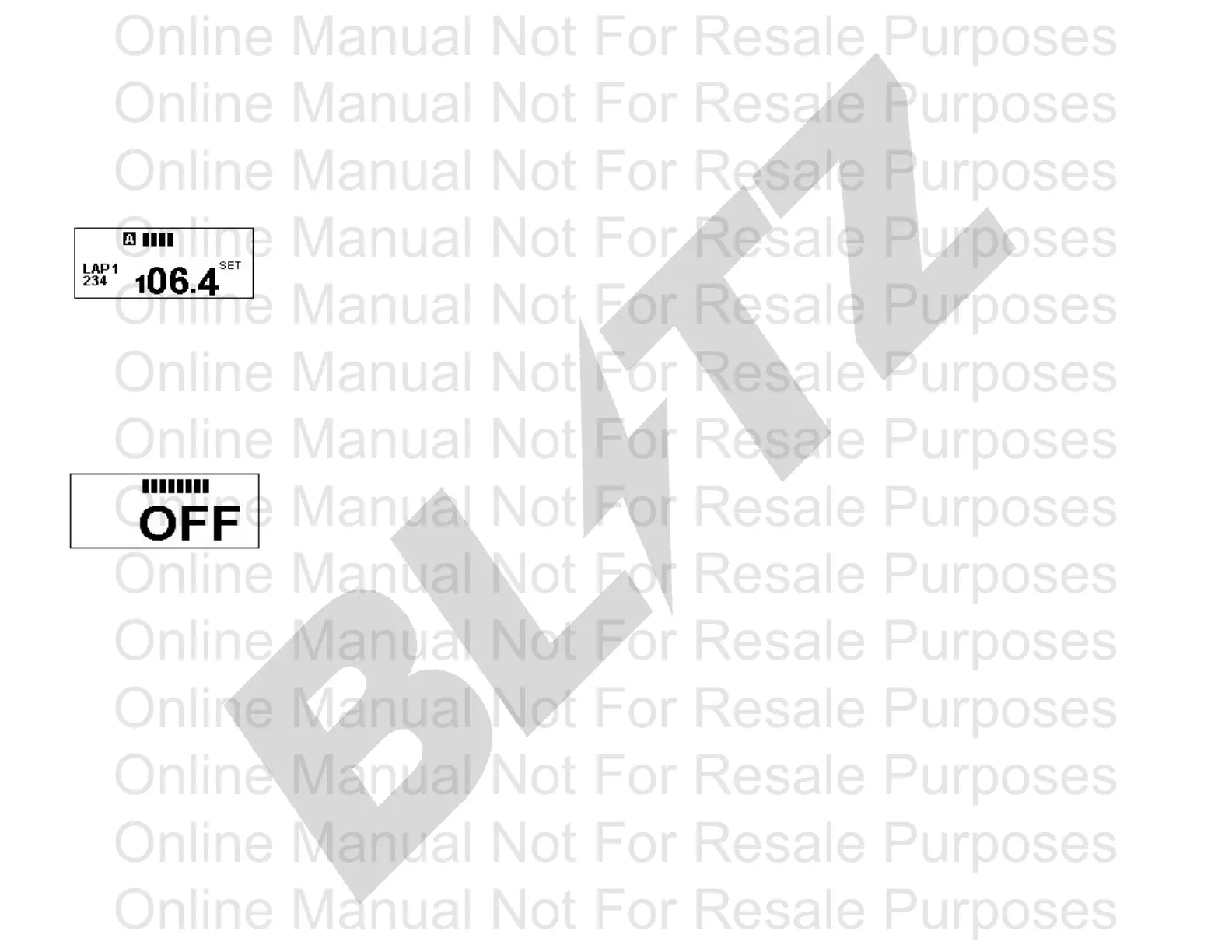
6 - LAP TIMES LCD DISPLAY
When the unit is first turned on press the POWER button six times to display CONTRAST
the Lap mode. The Lap mode can display up to 5 recorded times.
When the FATT DC is turned off the user can adjust the contrast by
Press the SECOND button once to scroll through pressing the MINUTE and SECOND button. The user can adjust the
and view the recorded lap times. Press the second illumination between 0 to 100.
button and hold it down for 5seconds to CLEAR all
the recorded times.
BAR DISPLAY
7 - Off
When the Turbo Timer is on Auto Timer E Mode the user can have different bar
displays. In order to do this select E - H or E - L mode in the Auto Timer setting.
When the unit is first turned on press the POWER button seven times to display When the E mode is activated the Bar Display will move side to side.
the Off mode. The leave the display on off mode and the FATT DC will turn off
automatically. To change the Bar Display press the SECOND button down for 3 seconds
and the display will change. There will be 4 possible displays. 3 of the
displays will be automatically moving and the fourth display will move
according to the vehicle ignition pulse.
** This automatic back and fourth function only works on the E mode of the
Auto Timer setting
Press the POWER button to turn on the turbo timer.
A and B switch
There is a switch on the control module. A is for most vehilcle applications.
The B switch is for vehicles with low ignition pulses.
Page 6
Online Manual Not For Resale Purposes
Online Manual Not For Resale Purposes
Online Manual Not For Resale Purposes
Online Manual Not For Resale Purposes
Online Manual Not For Resale Purposes
Online Manual Not For Resale Purposes
Online Manual Not For Resale Purposes
Online Manual Not For Resale Purposes
Online Manual Not For Resale Purposes
Online Manual Not For Resale Purposes
Online Manual Not For Resale Purposes
Online Manual Not For Resale Purposes
Online Manual Not For Resale Purposes
Online Manual Not For Resale Purposes
Online Manual Not For Resale Purposes
Online Manual Not For Resale Purposes
Online Manual Not For Resale Purposes
Online Manual Not For Resale Purposes
Online Manual Not For Resale Purposes
Online Manual Not For Resale Purposes
Online Manual Not For Resale Purposes
Online Manual Not For Resale Purposes
Online Manual Not For Resale Purposes
Online Manual Not For Resale Purposes



 To Previous Page
 Loading...