FRONT PANEL CONTROLS
P15
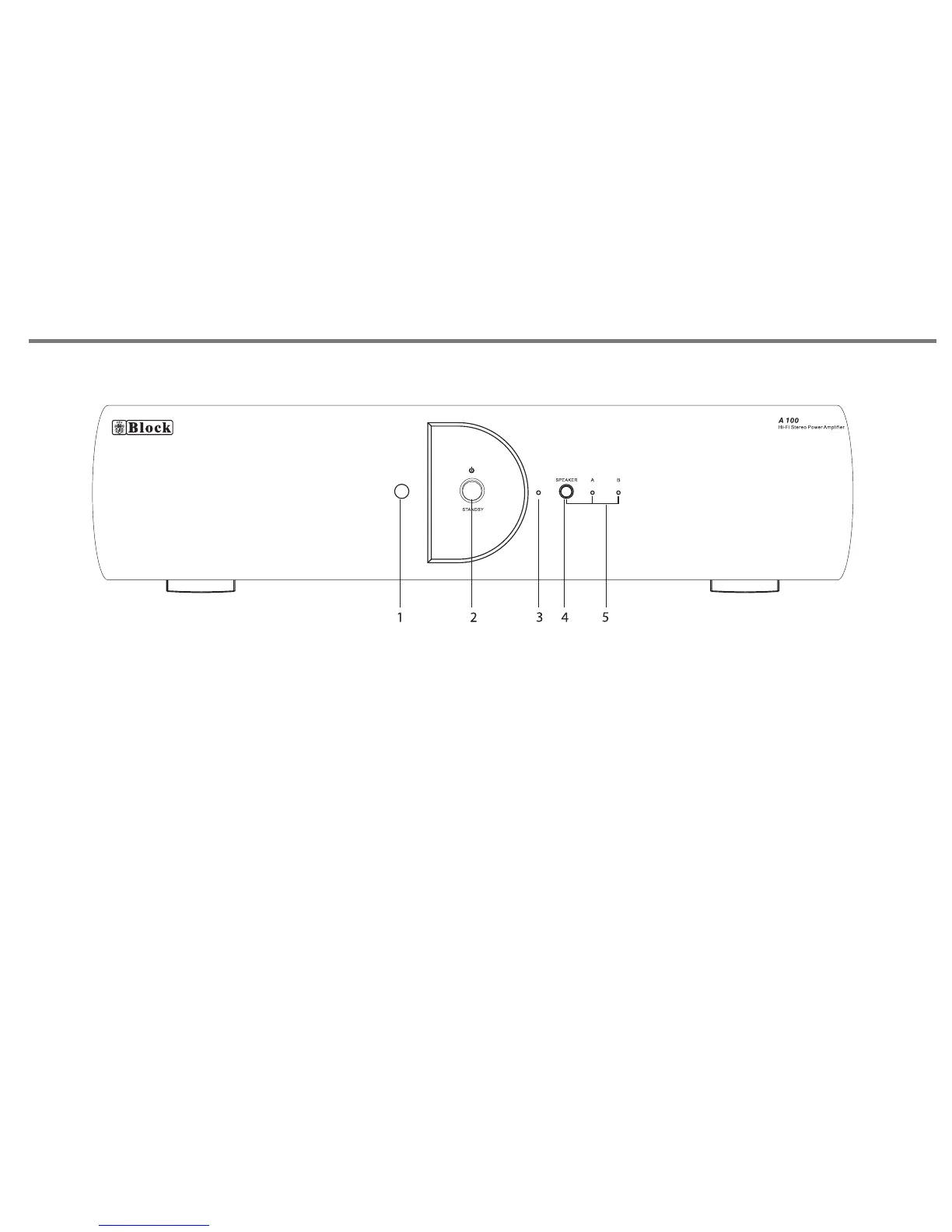
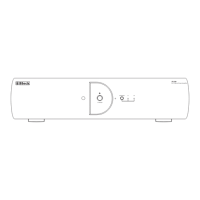
1. REMOTE SENSOR.
2. STANDBY BUTTON. Press this button to turn to standby
mode, press again return to normal mode.
3.LED INDICATOR, it will be turn on in red colour when the unit
is in standby mode.
4. SPEAKER MODE BUTTON. Press to change speaker output
mode, with 3 modes for selection, Speaker A, Speaker B, and
Speaker A+B.
5. SPEAKER MODE LED INDICATOR.


 To Next Page