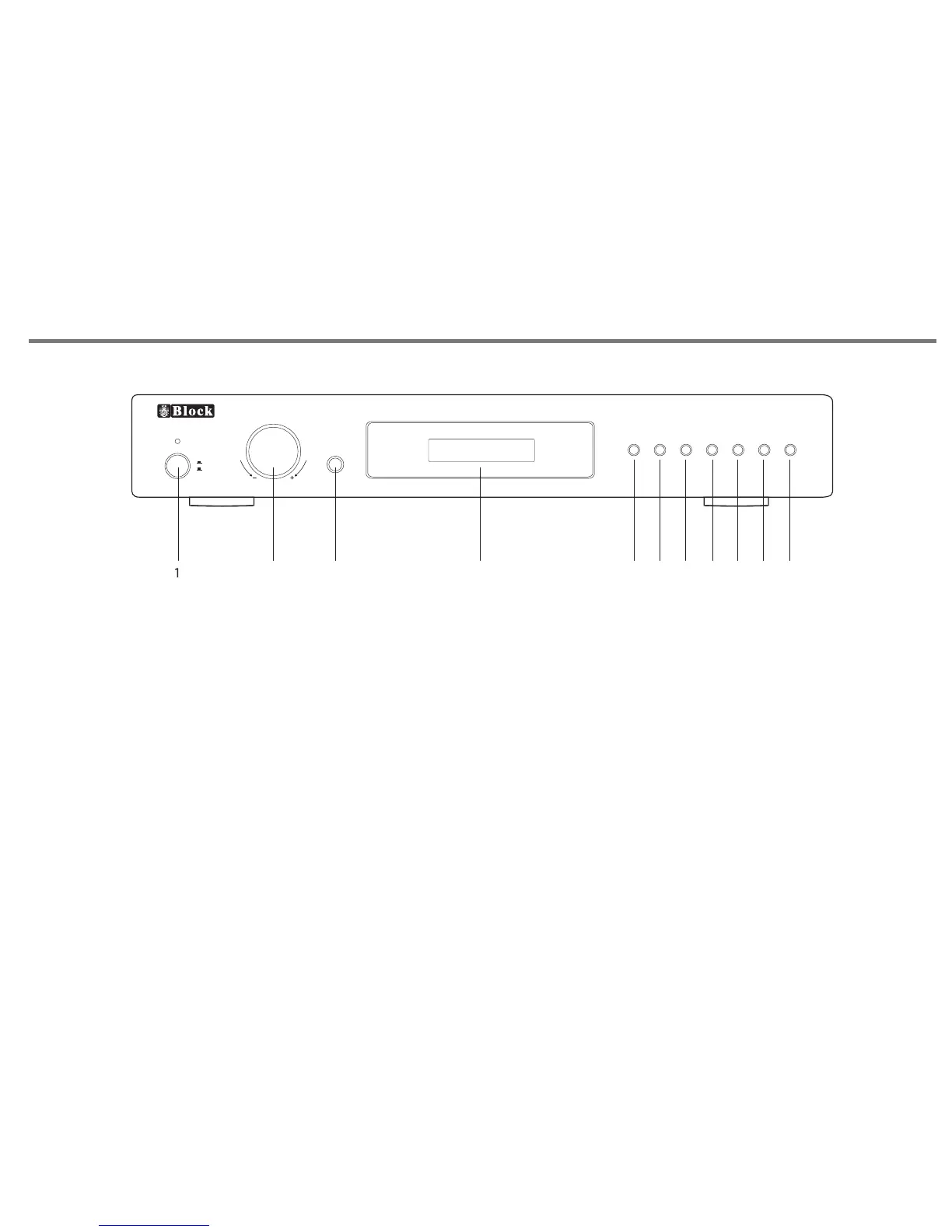
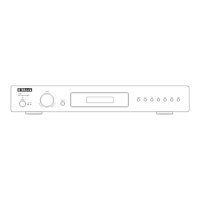
1. POWER BUTTON. Switches mains power on/off to internal components,
however please note that mains power is still applied to this unit even
though this switch may be off.
2.
3.
4.
5.
ROTARY CONTROL KNOB. This is allows adjustment of parameters such
as volume, treble, bass, balance, loudness etc.
HEADPHONE . Headphone output.
LCD DISPLAY. Will give the indication of level control and
input source selected.
FUNCTION BUTTON. Allows access to menu features such
as bass, treble, balance, loudness.
6. PHONE input selection
7. TAPE input selection
8. CD input selection
9. DVD input selection
10. DAB input selection
11. LINE IN input selection
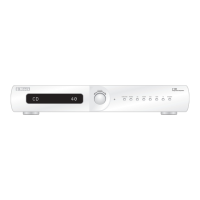
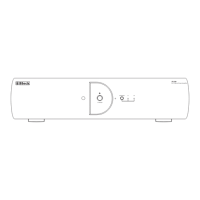
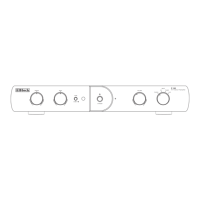
FRONT PANEL CONTROLS
P18
V 250
Hi-Fi Stereo Amplifier
Hea dphon e
Fun ction Pho no
Tape
CD
DVD DAB
Lin e in
Power
OOn
OOff
Control
2
3
4
5
6
7
8
9
10 11


 To Next Page