EN / 13
3 Your product
3.1 Product Introduction
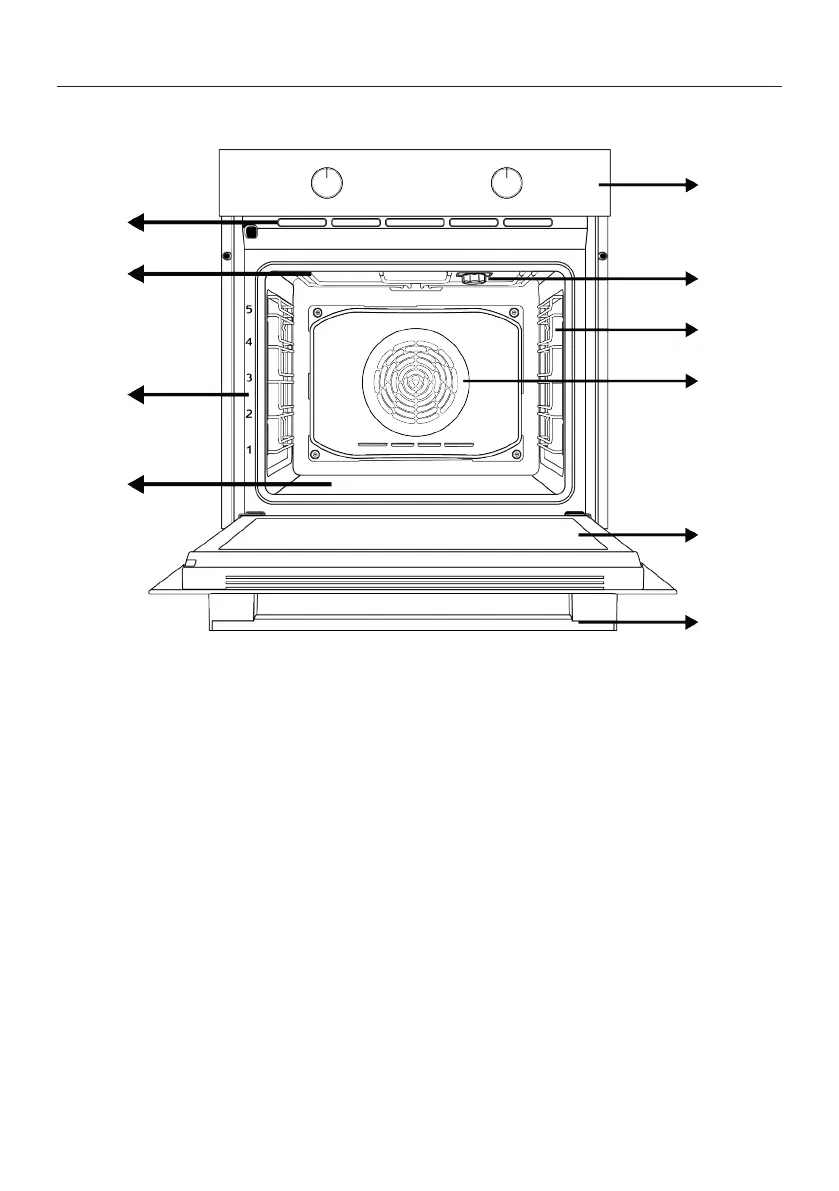
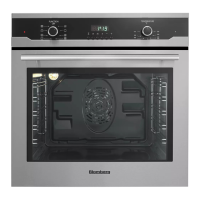
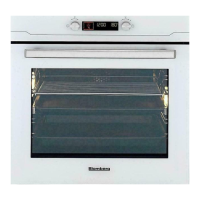
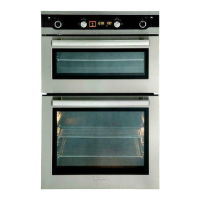
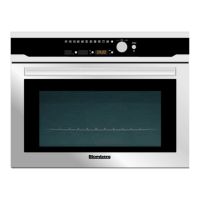
1 Control panel 2 Lamp
3 Wire shelves 4 Fan motor (behind the steel plate)
5 Door 6 Handle
7 Lower heater (under the steel plate) 8 Shelf positions
9 Upper heater 10 Ventilation holes
*
Varies depending on the model. Your product
may not be equipped with a lamp, or the type and
location of the lamp may differ from the illustra-
tion.
**
Varies depending on the model. Your product
may not be equipped with a wire rack. In the im-
age, a product with wire rack is shown as an ex-
ample.
3.2 Product Control Panel Introduc-
tion and Usage
In this section, you can find the overview
and basic uses of the product's control
panel. There may be differences in images
and some features depending on the type
of product.


 To Next Page