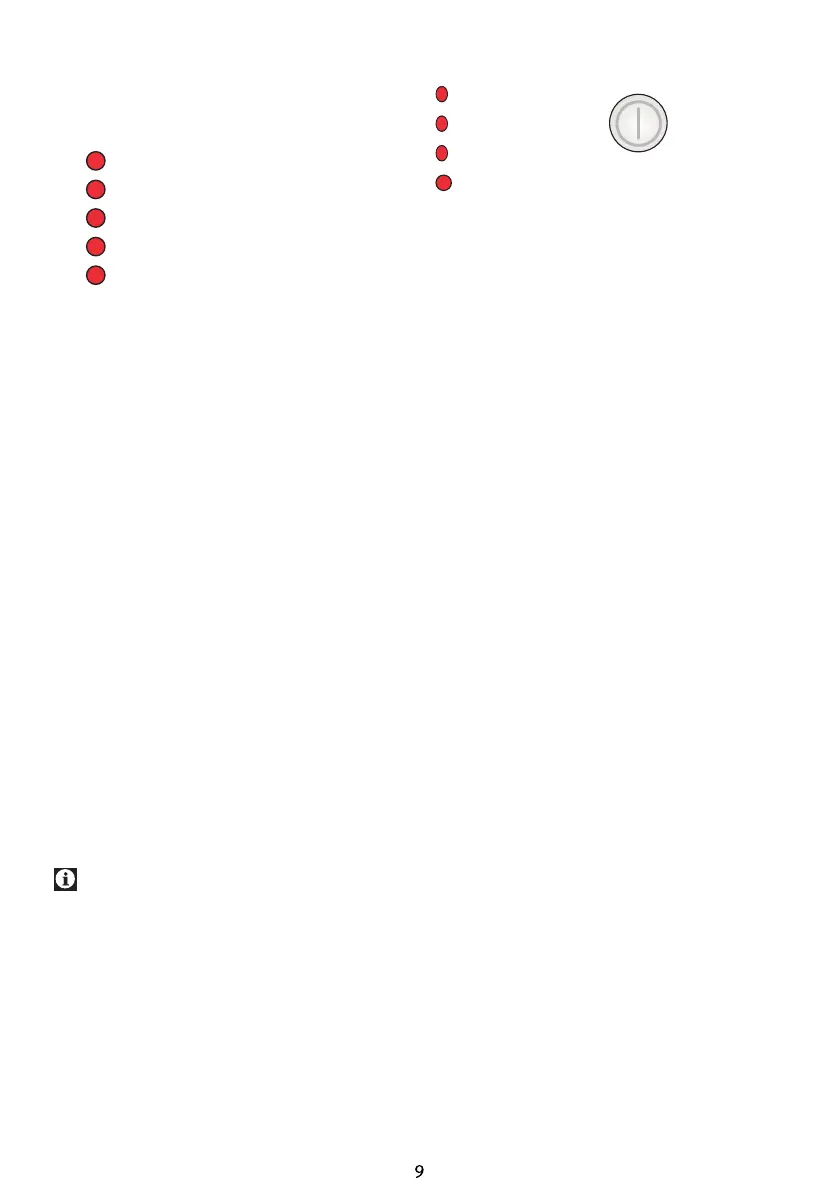
Program progress indicator
This series of indicators show the operating
status of the appliance.
Drying
Ironing dry
Linen cupboard dry
Cool down
End / Anticrease
• Pressing the start button after selecting
the program an indicator light will flash,
which indicates the beginning of the
program.
• When the program runs one of the
indicators flashes and shows the current
program step.
>Drying<
- Flashes during the main heat phase of a
drying program.
>Ironing dry<
- Flashes when the drying level ironing dry
has been reached.
>Linen cupboard dry<
- Flashes when the drying level linen
cupboard dry has been reached.
>Cool down<
- Flashes during the 8-minute cool down
phase.
>End / Anti-crease<
- Flashes during the anti-crease phase.
- Flashes when the program has ended.
If the indicator “Drying” blinks, there is
a malfunction or problem (see Trouble
shooting)
Control indicators
Child-proof lock
Clean the filter
Empty the tank
Clean the condenser
Control indicators
Flashes at the following functions and
instructions:
Child-proof lock
If the child-proof lock is active (see also
“child safety").
Clean the filter
At the end of a program when the filter has
to be cleaned. See also Chapter Fluff filter.
Empty the tank
At the end of the program when the water
tank has to be emptied or when the drain
hose is connected.
Clean the condenser
In regular intervals after about 20 program
runs (See also Air cooler)
On/ Off


 To Next Page