12
Hazardous Waste – Battery Disposal
Warning: Do not throw away batteries with uncontrolled daily waste.
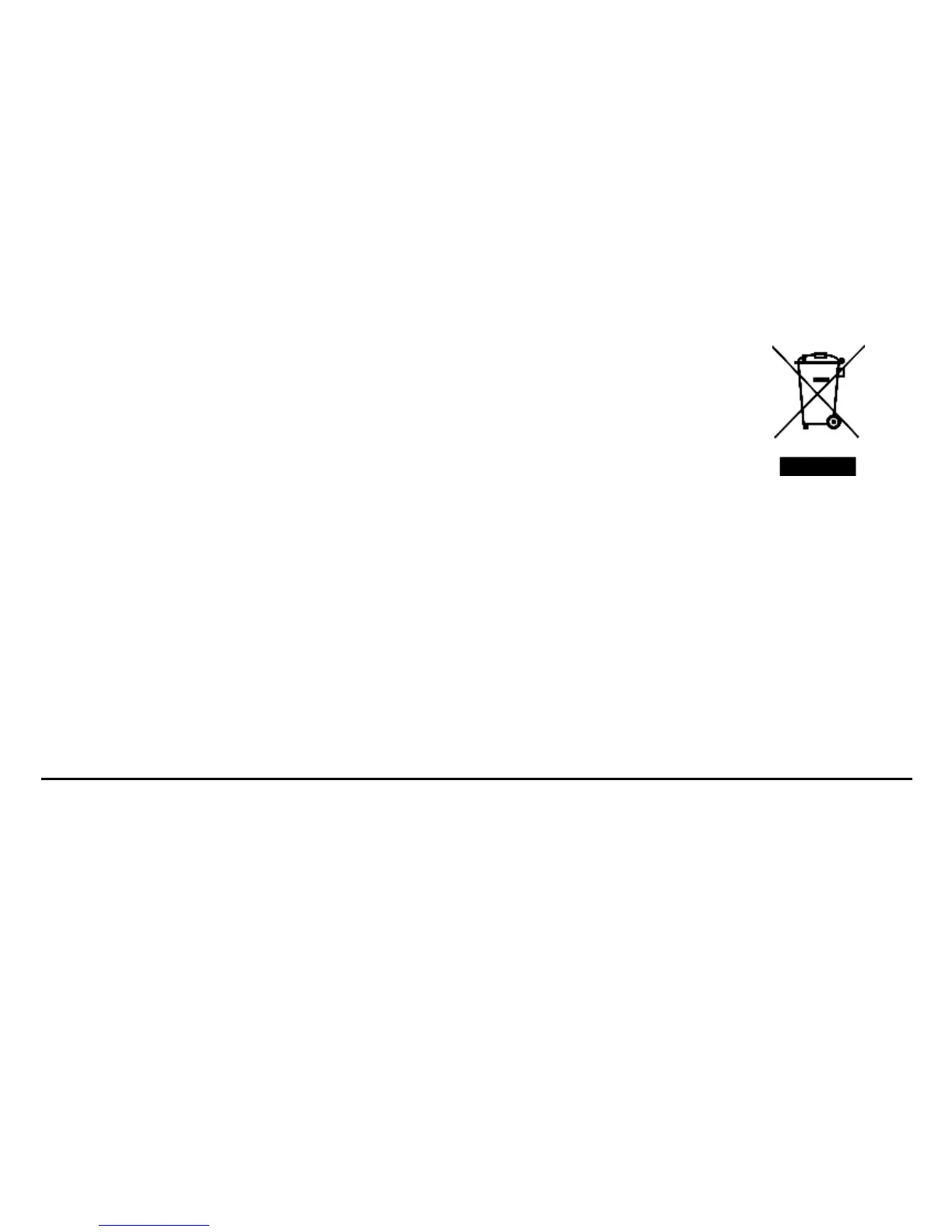
The marking in this manual indicates that the batteries in this product should not be
disposed with household trash at the end of its working life. If the batteries are not
disposed of properly, the substances included can cause harm to human health and
the environment. Please follow environmental laws and guidelines for proper waste
disposal.
Cleaning and Maintenance
> Avoid using the handset and accessories in excessively moist areas to avoid malfunction.
> Use a soft, dry cloth to clean the handset, battery and charger.
> Do not use alcohol, thinner, benzene or any other solvent to clean the handset.
Introduction
Power On and Off
On - Please ensure the SIM card has been properly inserted into the phone. Long press the Power key to
switch the phone on.
Off - In standby mode, long press on Power key until an options menu appears. Select Power Off in the


 To Next Page