36
application.
» Click on the application.
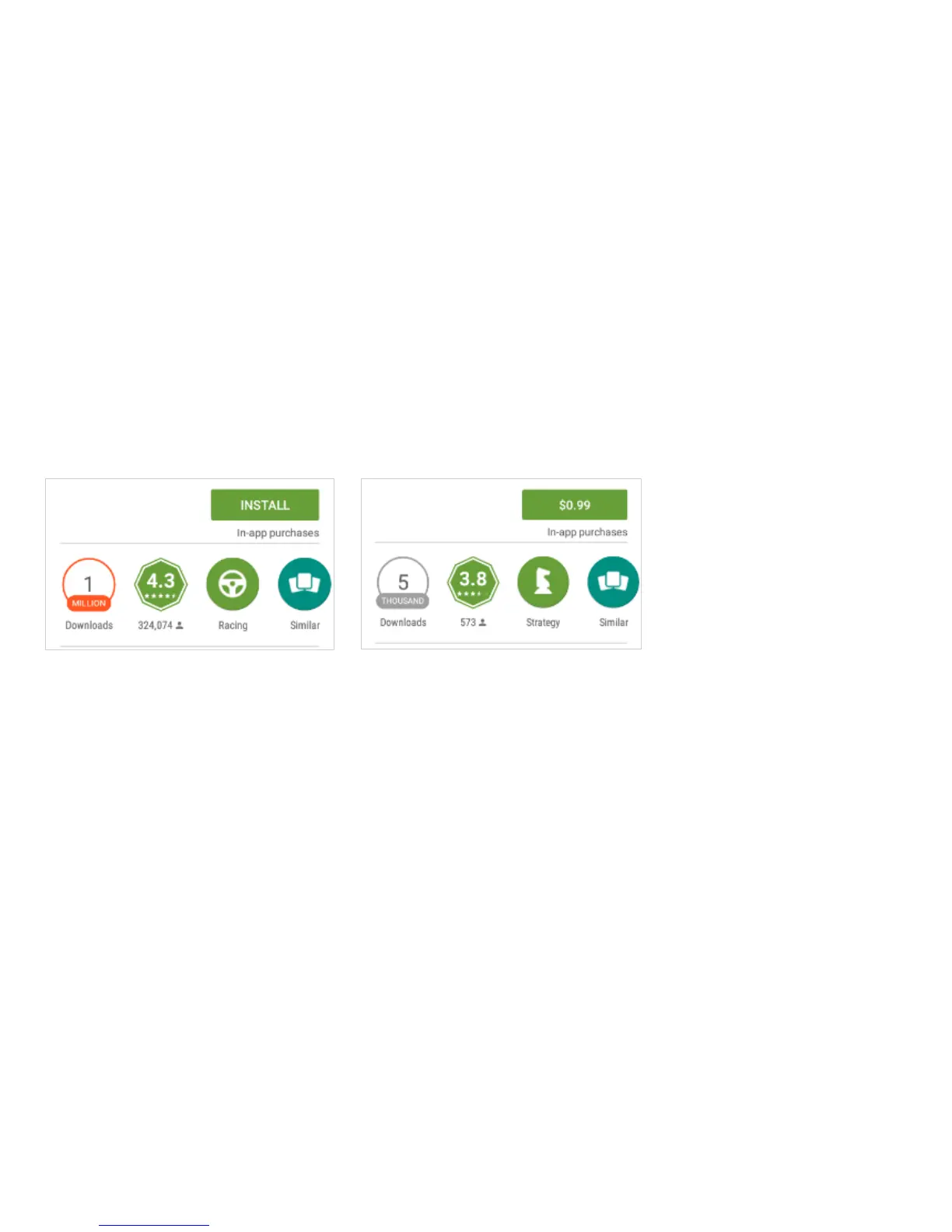
» Click on INSTALL (for free applications) or click on the PRICE (for paid applications).
» Follow the on-screen instructions to complete the installation.
Android OS Note: Any native or installed applications will ask for permission when accessed for the first
time.
Camera
Prior to use: It is suggested that you insert SD card before using the camera or video camera. All photos


 To Next Page