22
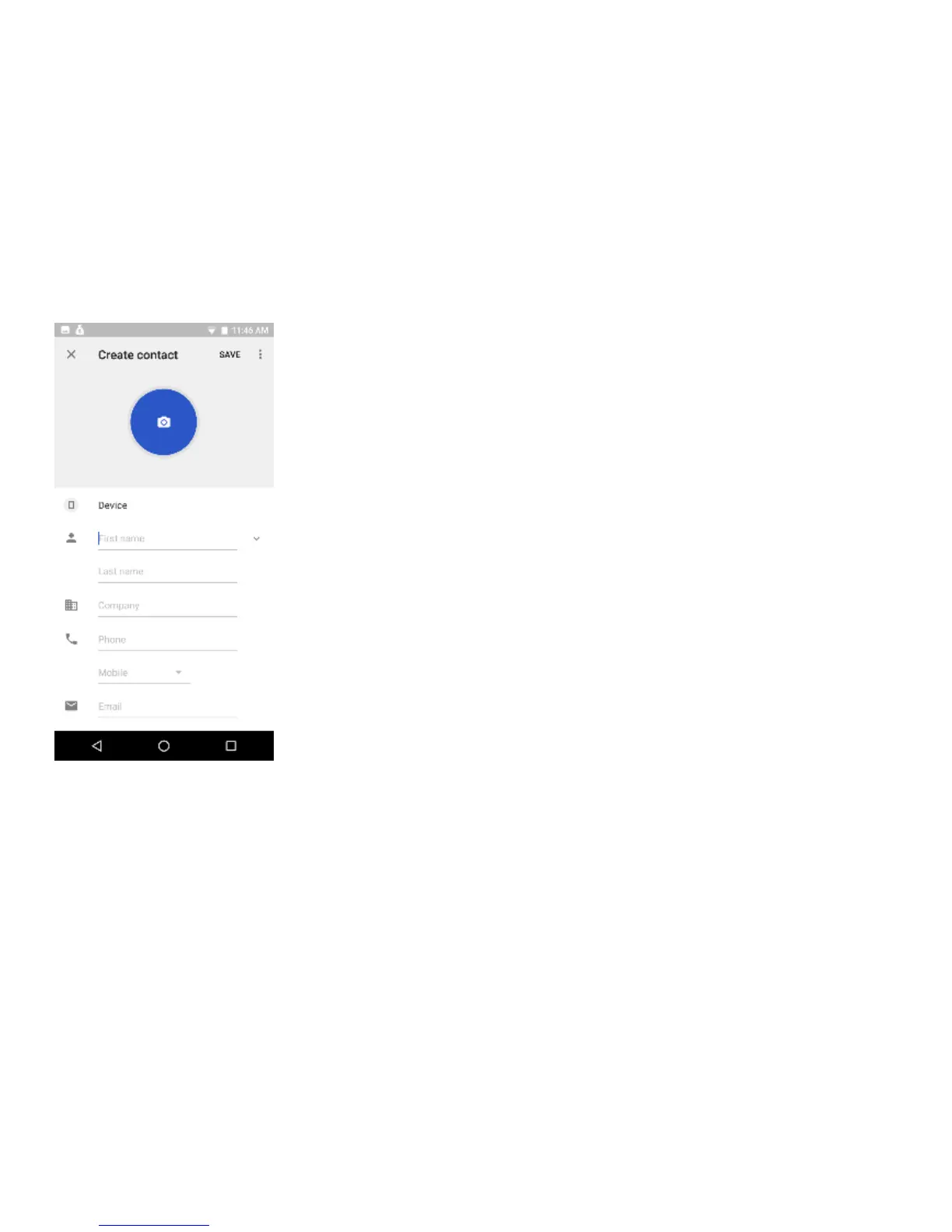
Note: You may add individual contacts to any of the home screens by entering the contacts menu, clicking
on the specific contact, pressing menu, and then selecting the ‘Add to home screen’ option. You can also
share contacts via MMS, Gmail, Bluetooth, and other share options within the same settings menu.


 To Next Page