4
The FCC has granted an Equipment Authorization for this model
phone with all reported SAR levels evaluated as in compliance with
the FCC RF exposure guidelines. SAR information on this model
phone is on file with the FCC and can be found under the Display
Grant section of www.fcc.gov/oet/ea/fccid after searching on FCC ID:
YHLBLUS1.
For this device, the highest reported SAR value for usage against the
head is 0.67 W/kg, for usage near the body is 1.02 W/kg.
While there may be differences between the SAR levels of various
phones and at various positions, they all meet the government
requirements.
SAR compliance for body-worn operation is based on a separation
distance of 10 mm between the unit and the human body. Carry this
device at least 10 mm away from your body to ensure RF exposure
level compliant or lower to the reported level. To support body-worn
operation, choose the belt clips or holsters, which do not contain
metallic components, to maintain a separation of 10 mm between
this device and your body.
RF exposure compliance with any body-worn accessory, which
contains metal, was not tested and certified, and use such
body-worn accessory should be avoided.
Important Safety Information
• Use a wireless hands-free system (headphone, headset) with a
low power Bluetooth emitter.
• Make sure the cell phone has a low SAR.
• Keep your calls short or send a text message (SMS) instead.
This advice applies especially to children, adolescents and pregnant
women.
• Use cell-phone when the signal quality is good.
• People having active medical implants should preferably keep the
cell phone at least 15 cm away from the implant.
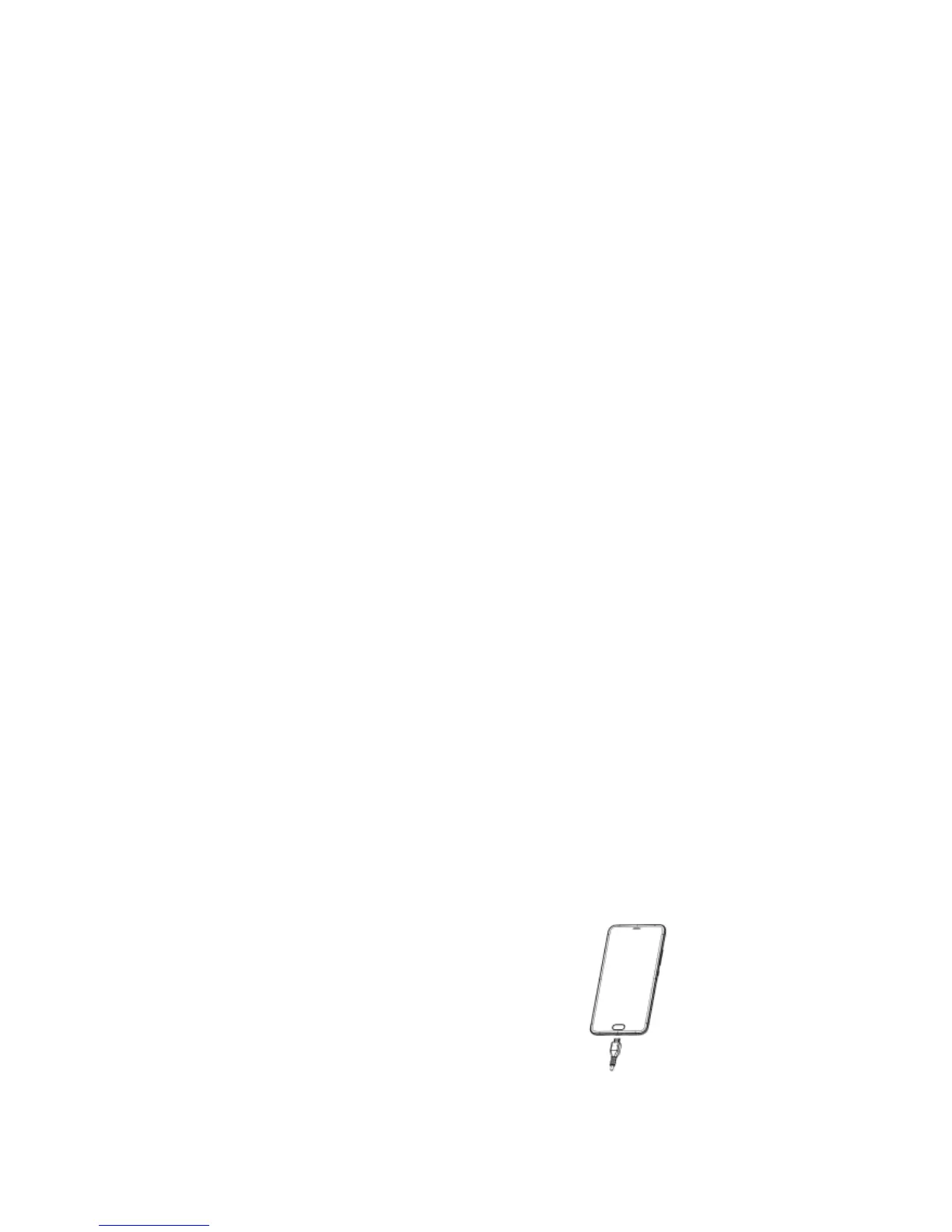
Charging the Battery
Before using the phone, it is recommended to
fully charge the battery first.
1. Connect the smaller end of the
USB cable to the USB port of
the device.
2. Connect the other end of the
cable to the USB charger or
other USB port with power
source (for example, laptop).
3. Plug the AC adapter to a wall outlet to start
charging.



 To Next Page