8
Answering calls
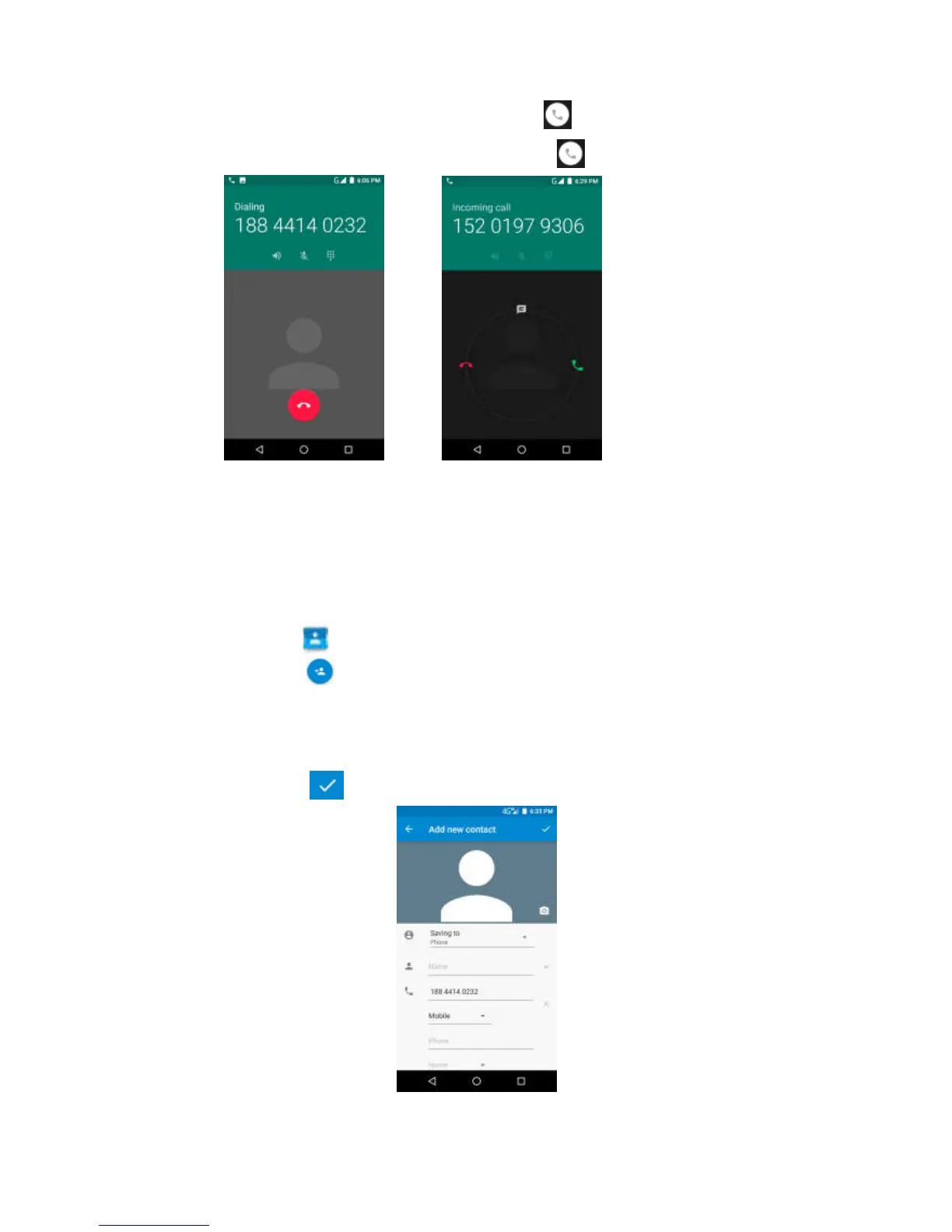
If you want to answer the call, please click slide to the right.
If you want to turn down a call,please click slide to the left.
Contact
Add the contact
1. Click to .
2. Click to can add the contact.
3. Select the location to store the contacts.
4. Enter contact information such as name, phone number, E-mail,
etc.
5. Click to save the contact。



 To Next Page