7
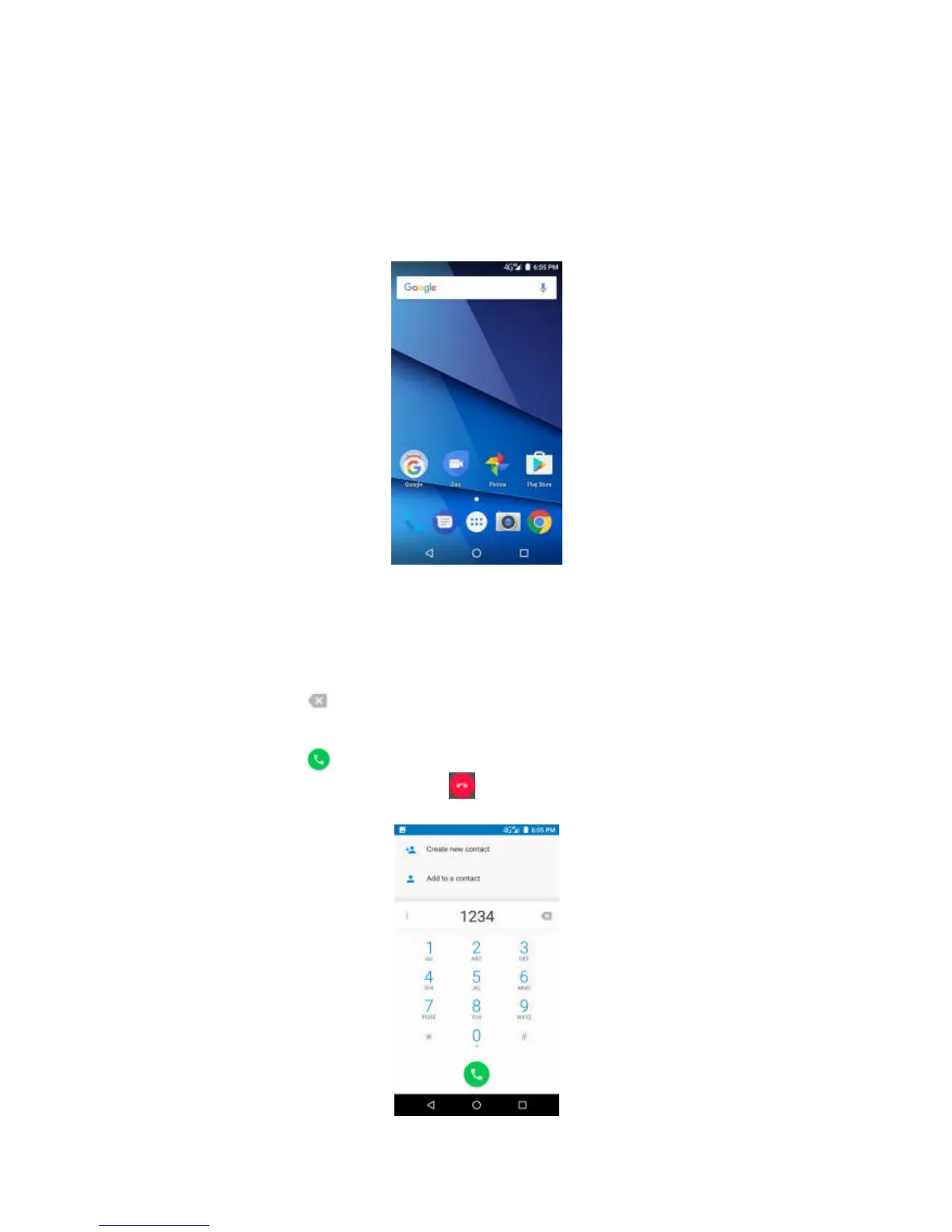
For the first time to start
Install the SIM card and charge the battery, then turn on the device.
For the first time the picture
On the front page, you can review the incoming calls, the messages
received, the battery and the wire. Swipe left or right to read the
application installed on the device.
Calling
1.
Click the phone number on the keyboard.
2. Click to clear the wrong number. Click and hold to remove all
the Numbers.
3. Click to make a phone call.
4.To end the call, please click .



 To Next Page