9
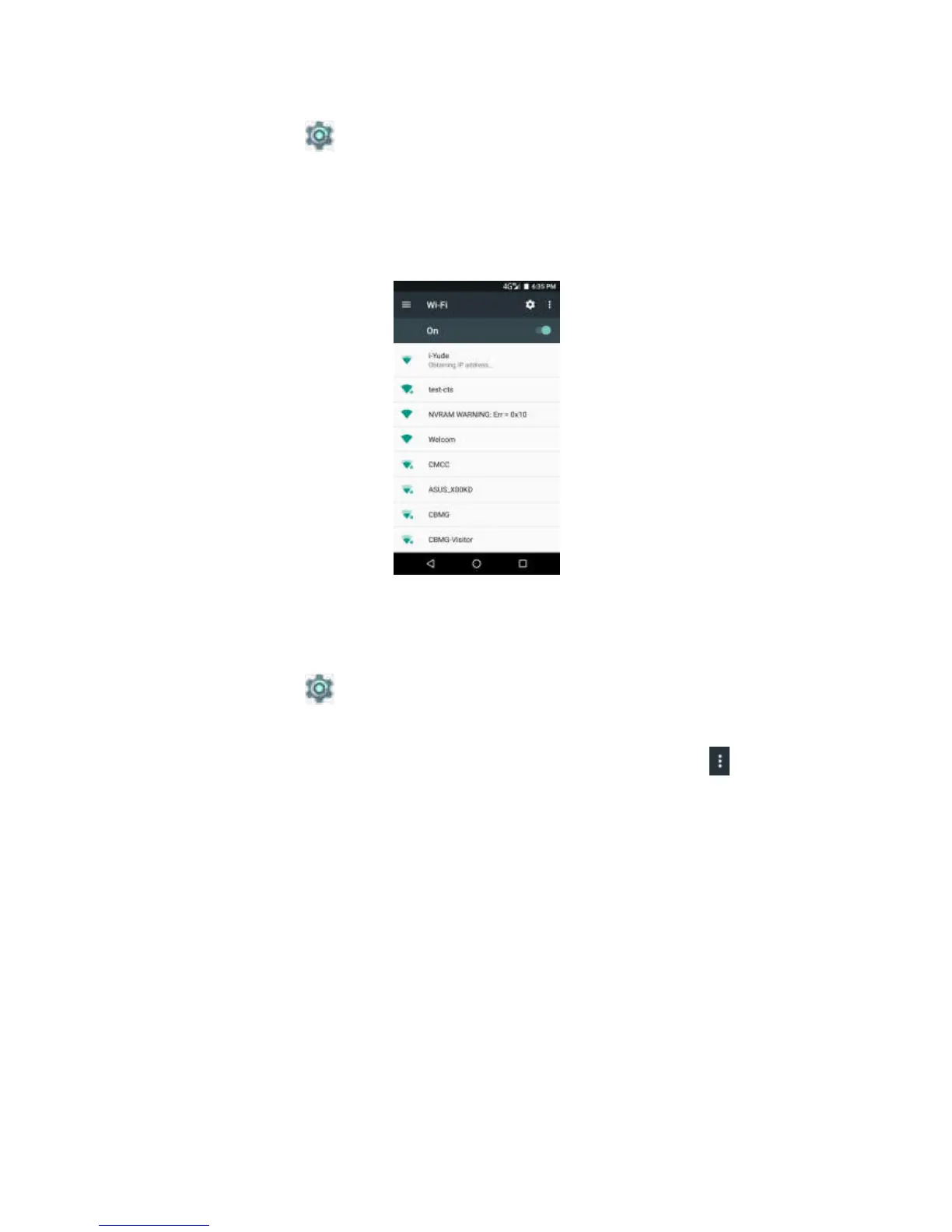
Setting Wi-Fi
1. Click to 。
2. In Settings, click wi-fi and turn it on。
3. Click the network to be online。
Note: the connection to the protected network will prompt for the
password. Please enter the password, then click on the online.
Use the Bluetooth
1. Click to 。
2. Select bluetooth, and then open.
3. A list of available devices is listed. For new devices, click here ,
click refresh again.
4. Click on the device that has been detected.
5. To start pairing, enter the matching code and then click ok.
Notes:
·The matching code of the device must be the same as that of other
bluetooth matching devices.
·On some devices, the click pairing can begin to match.
6.The matching bluetooth device name will be displayed.



 To Next Page