12
You may adjust various settings for the camera by pressing Menu
while in the camera interface.
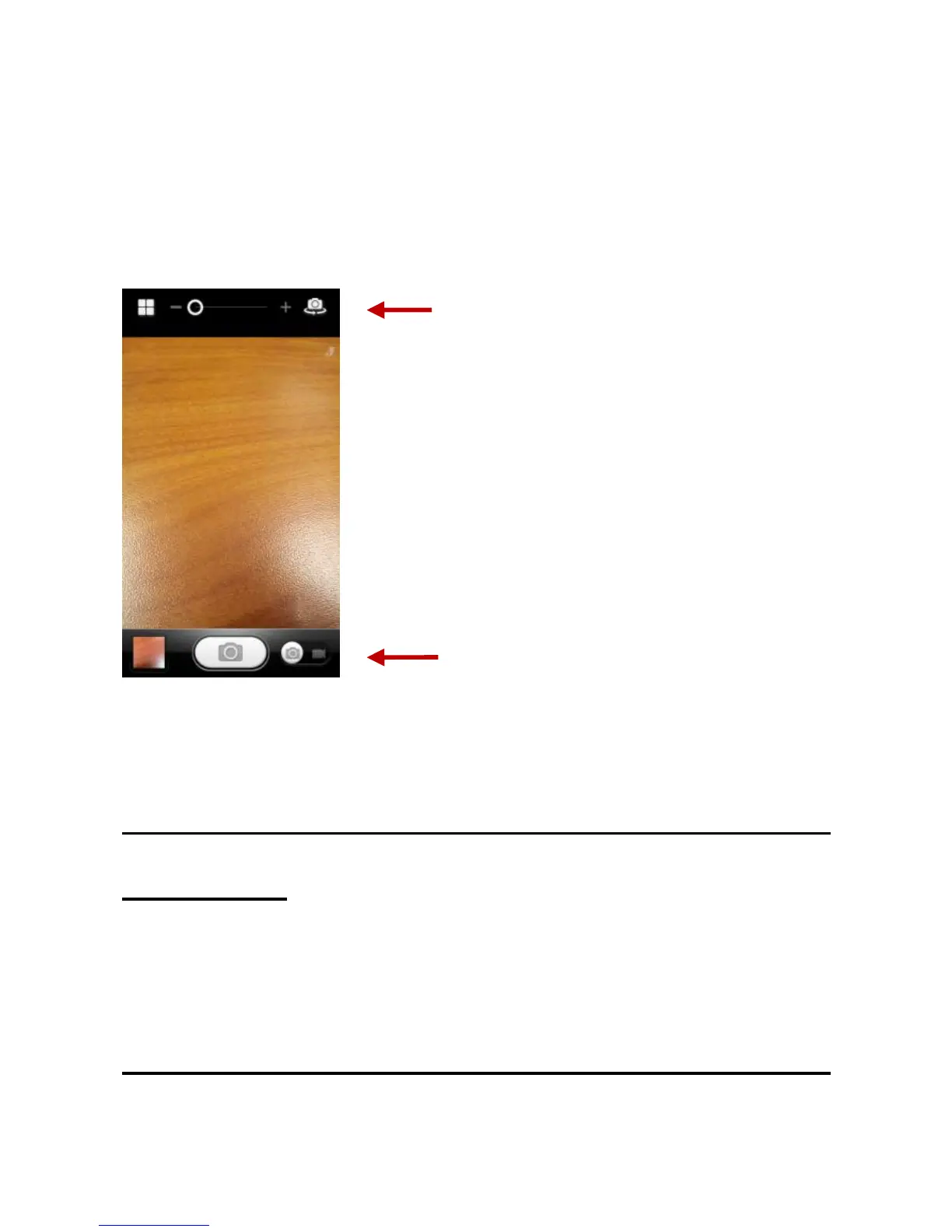
When in the camera viewfinder mode, you can switch to video or
photos‟ gallery. On the camera viewfinder mode, you will find the
display the preview of the previous picture taken. Click the “preview
box” and the photo will display in full screen.
Gallery
Open Images
Applications Menu » Gallery
Share Pictures
You may share pictures by sending them through Gmail or the
E-mail application. You may also send pictures through the MMS
message function by composing a message and attaching the
picture. Any image can also be sent via the Bluetooth function by
selecting Bluetooth equipment that has been paired.
Adjust Image
Press Menu and Edit to adjust images



 To Next Page