16
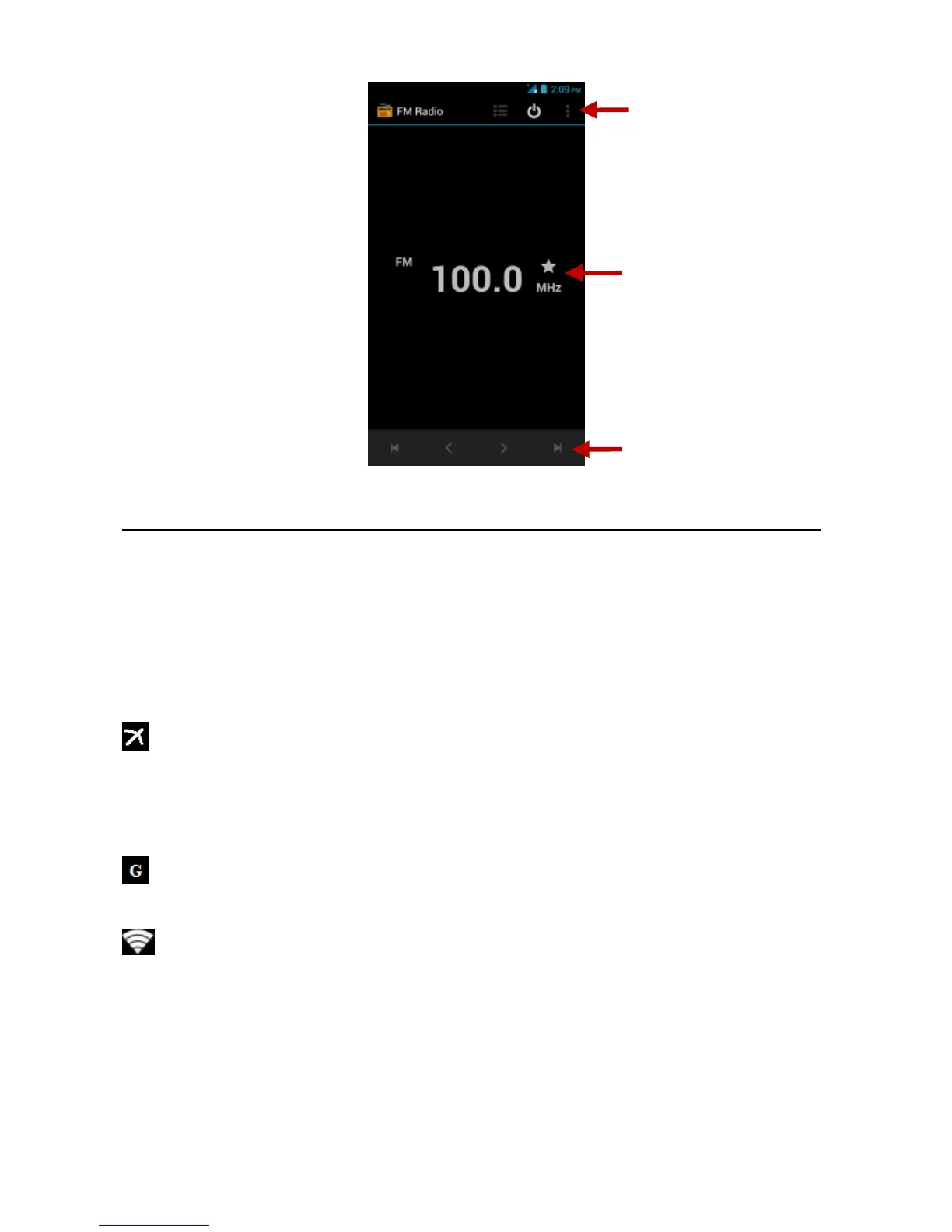
FM Radio as Background
Click on the Home key to move the FM Radio program to the
background.
Settings
Airplane Mode
Turn on Airplane Mode.
Note: When in flight mode, all network connections will turn off
automatically.
Mobile Networks
Select Mobile Data Connection.
Wi-Fi / WLAN
Settings » Wi-Fi » Click Wi-Fi to power on. When on, the
Wi-Fi will automatically search for available networks. Any
unsecured network can be used directly and any secured
network requires a password or credentials prior to
connection.



 To Next Page