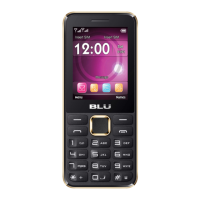
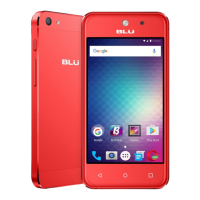
Call Options
There are different options that can be used in the call log and dialing interface. You may press the menu
key while in the general dialing interface and adjust call settings, enter call history, clear your frequently
dialed numbers, and add a new contact.
Call Logs
Every telephone number called and received will be saved in the phones call log. All recently called
numbers in the call log can be dialed by clicking on the contact tile in the speed dial tab, or by clicking on
the contact and selecting call back in the recent tab. When the number appears on the list, click it to view
details. To delete a call from the call history, press the menu key and select delete. You may remove one or
multiple calls.



 To Next Page