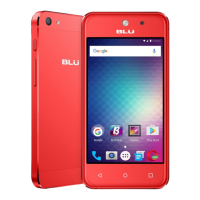
Navigation Bar
The navigation bar is a dedicated area that displays device navigation buttons. These system buttons allow
the user to control the phone seamlessly.
Back
Returns to the previous screen; Closes the keyboard, any open program, or any menu
option.
Home
The home button pauses any current action and returns to the home screen.
Recent Apps
Opens a list of recently opened applications that allows you to switch conveniently
between them. This option can also close any open applications by swiping to the side.



 To Next Page