EN
8
| BL220 PERISTALTIC PUMPS
CONFIGURATION
To configurate the pump accordingly with your application needs, refer to the below instructions.
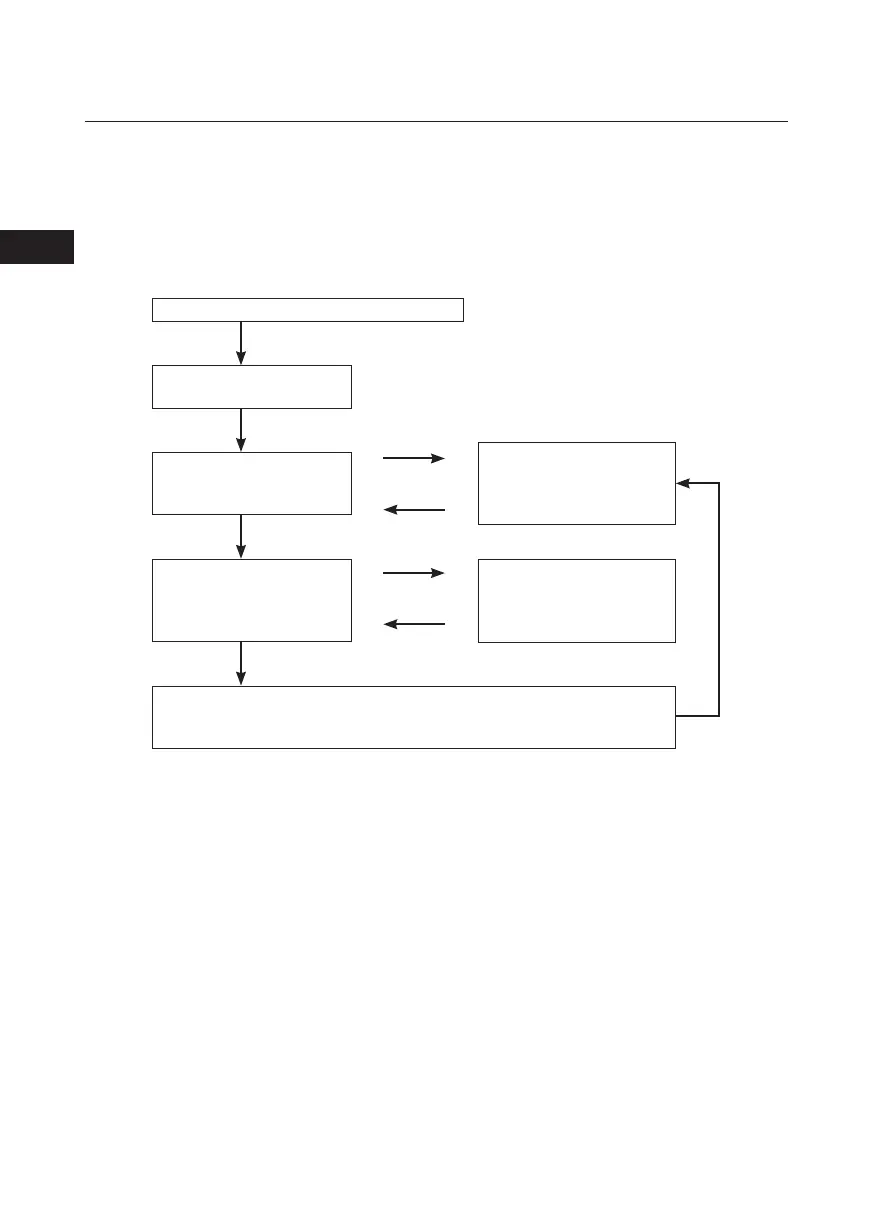
Press and hold the ON/OFF key for at least 3 seconds
“Edi” is displayed
“Pn” (no. of parameter) is
displayed
Increase /decrease the
parameter number
Store the set value and increase the parameter number. At last parameter, exit the
configuration mode.
Release the ON/OFF key
ON/OFF
ON/OFF
[+] key
[-] key
Increase /decrease the
parameter value
The value of the selected
parameter is dispalyed
[+] key
[-] key


 To Next Page