EasyManua.ls Logo

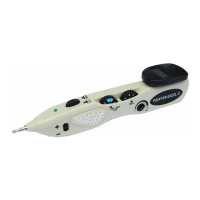
Blue Moon Health Source POINTER EXCEL II - Hand Grounding Pole Accessory; Frequency Adjustment Dial Function; Ground Plates for Circuit Completion

Blue Moon Health Source POINTER EXCEL II
20 pages
Print Icon
To Next Page IconTo Next Page
To Previous Page IconTo Previous Page
Loading...
(clockwise
adjustment) or decrease
(counter
clockwise)
sensitivity
when
used
on
different skin
conditions
(i.e.
dry
or mois(
skin conditiorls).
The
Ievel olsensitivity
can be
read
from
the
Digital Display Chamtrer.
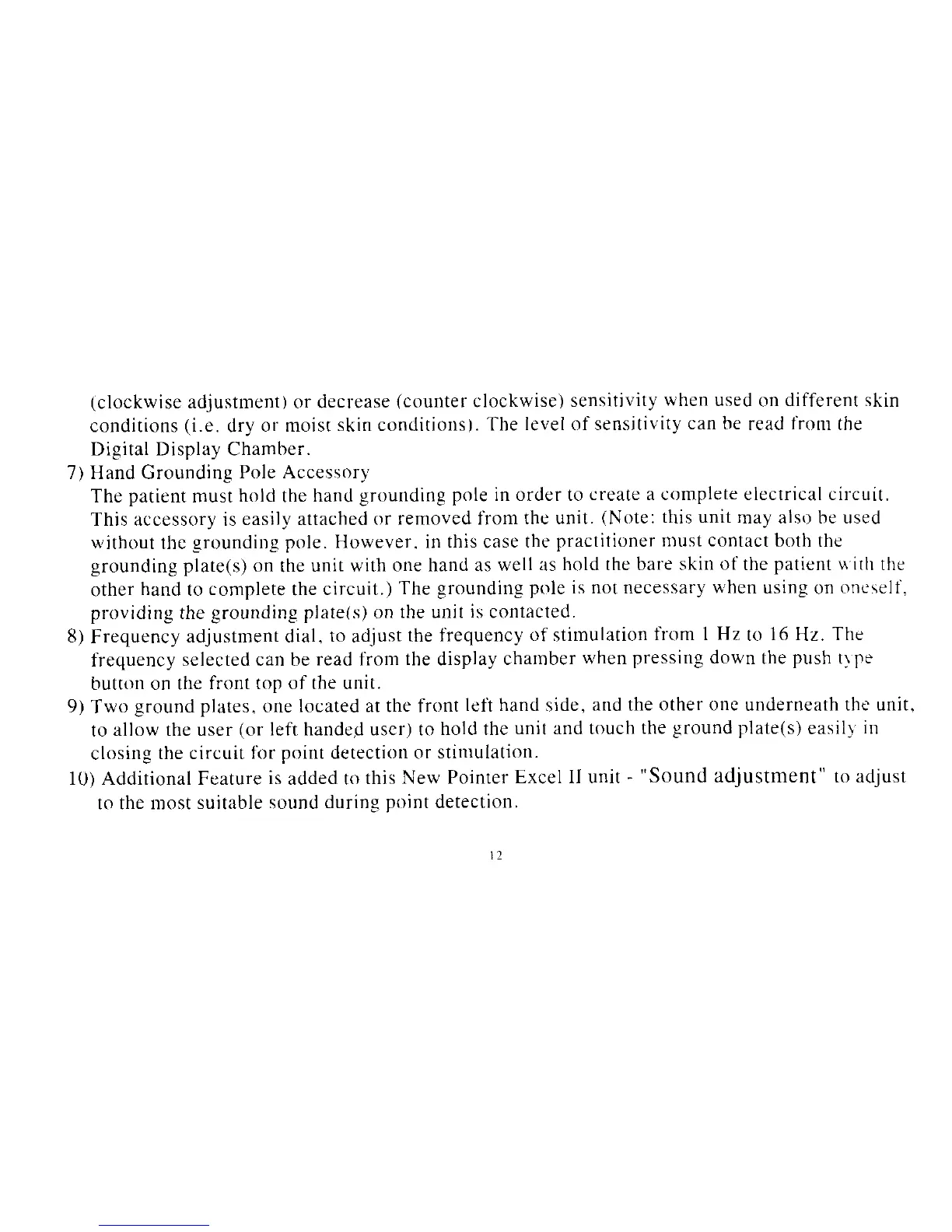
7) Hand Grounding
Pole Accessory
The
patient
must
hold
the
hand
grounding
pole in order to
create a complete electrical circuit.
This accessory is
easily attached
or removed from
the unit.
(Note:
this unit
may also be used
without
thc
grounding pole.
Horvever.
in this case
the
practitioner
n)ust contact
both the
grounding plate(s) on
the
unit with
one hand as
well as
hold the bare skin
of
the
patient riitlt
the
other
hand
to
complete
the
circuit.)
The grounding
pole is not necessary
when
using
on
oneself,
providirrg the
grounding
plate(s)
on
the unit
is
contacled.
8)
Frequency
adjustment dial.
to
adiust
the frequency
of
stimulation
lrom 1 Hz
to
16
Hz.
The
frequency
selected can be
read fiom
the
display
charnber
when
pressing
down
the
push
tlpe
button on the
front top of the unit.
9)
Two
ground plates.
one
located at the front
lefi hand
side,
and the
other onc
underneath
thc'unit,
to
allow the user
(or
left handed uscr) to
hold the
unit and touch
the
ground plate(s)
easilf
in
closing
the circuit
fbr point detection or
stinrulation.
10) Addirional Feature
is
ailded ro
this New
Pointer
Excel II unit -
"Sound
adjuStment" to adjust
to the luost
suitable sound
during
point
detection.
t2