Software Introduction
These are instructions for the rst time that you set up your computer to work with the BlueROV2. If you
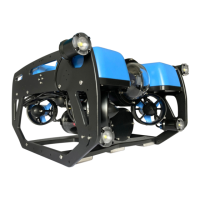
have not assembled your BlueROV2, please see our Assembly Guide (/learn/bluerov2-assembly/) and
assemble your BlueROV2 prior to setting up the software.
Select your operating system below to begin the installation and network conguration:
Windows
Mac
Linux
QGroundControl Installation, Network Setup and Joystick Setup
Install QGroundControl for Windows
To connect your computer to the BlueROV2, you need to download and install QGroundControl:
This is the current software version (updated 28 April 2019):
QGroundControl: v3.5.2 (release notes (https://docs.qgroundcontrol.com/en/releases/release_notes.html))
Windows (https://s3.amazonaws.com/downloads.bluerobotics.com/QGC/latest/QGroundControl-
installer.exe)
Windows Network Setup
Network Settings
1. Go to
Control Panel
>
Network and Sharing Center
and then choose "Change adapter settings".
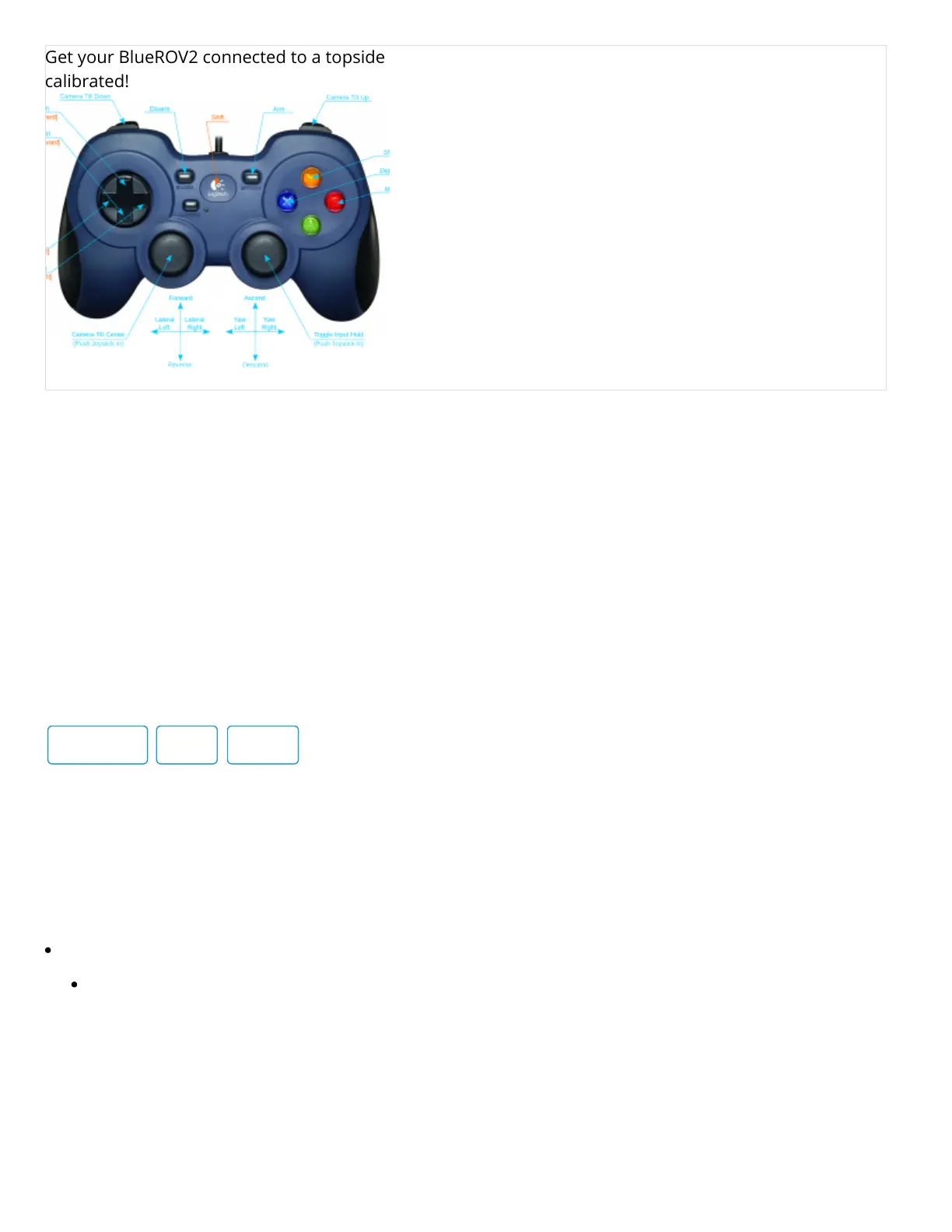
Get your BlueROV2 connected to a topside computer, the vehicle updated, and joystick properly
calibrated!
BlueROV2 Operation
(https://bluerobotics.com/learn/bluerov2-operation/)
Learn how to operate your newly built BlueROV2!


 To Next Page
 Loading...