Blue Sky Energy – IPN ProRemote
9 Blue Sky Energy | USA | www.blueskyenergyinc.com
USING THE MENUS AND KEYS
Moving through the menus, functions and changing settings is consistent throughout all functions and screens. The following example illustrates typical
operation.
Example – Setting Battery Amp-Hours (to 440 amp-hours in this example)
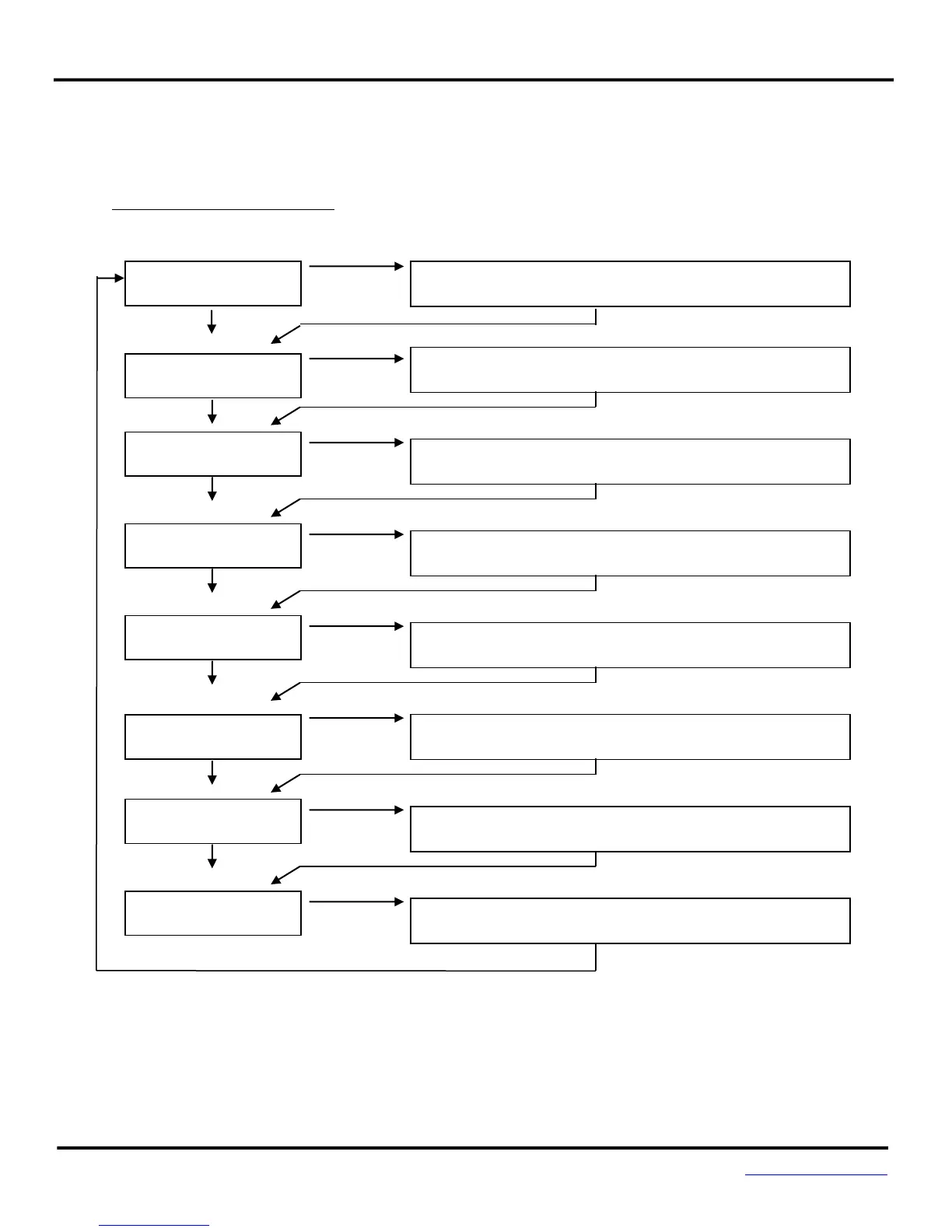
Screen shown Action taken to move to next screen or step
BATTERY VOLT/AMP
12.6V +25.0A
ENTER ADVANCED
DSPLY/SETUP SEL►
Press NEXT 6 times to move down to Advanced Display/Setup select
screen.
LAST FULL CHARGE
10 DAYS AGO
Press SELECT for 4 seconds to move to the top of the Advanced Display
menu.
Press NEXT 8 times to move down to Enter Setup Menus select screen.
SET BAT AMP-HRS
220AH SEL►
Press SELECT for 4 seconds to move to the top of the Setup Menu.
SETTING AMP-HRS
220AH SET►
Press SELECT for 4 seconds to move to Battery Amp-Hours parameter
setting screen.
SETTING AMP-HRS
440AH SET►
Select desired value with NEXT. Note the word “SETTING” flashes in all
parameter setting screens.
SET BAT AMP-HRS
440AH SEL►
Press SELECT for 4 seconds to save new setting and move back to Battery
Amp-Hours screen.
Press BACK 2 times to return to Top menu.


 To Next Page