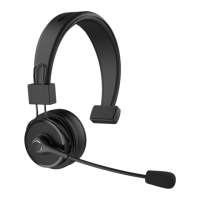
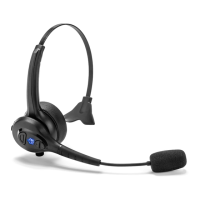
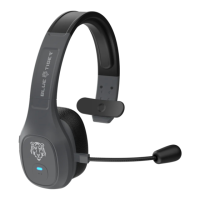
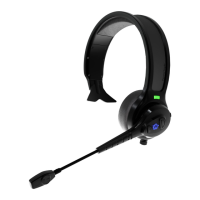
Pairing Instructions
1. Ensure your Blue Tiger Elite Plus™ headset is in the off position. Press &
hold the silver MFB button located on the microphone boom for 3 seconds.
You will hear “Elite Plus™ activated”, then the unit will enter into pairing mode
automatically and you will hear “ready to pair”. If the headset was already
connected with another device, it will connect to that device automatically, and
you will hear “device connected”.
2. On your phone, access your Bluetooth menu, select “Add New” or “Search New
Devices”. With your Blue Tiger headset in pairing mode, your phone should
locate your headset. Check your phone's pairing procedures to pair the Elite
Plus™ to your phone.
3. On your phone, select Elite Plus™ from the list. A passkey or PIN code message
may appear. If so, input “0000”, you should then hear “device connected”.
®
®


 To Next Page