Controlling Your Music
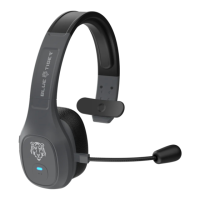
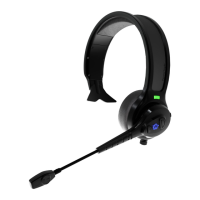
Your Blue Tiger Elite Plus™ headset is equipped with A2DP functionality.
This technology makes it possible for you to control music and videos on your
Bluetooth device directly from your headset.
When listening to music, press and hold “Mute” button for 2 seconds to pause or
play your music.
To skip to the next song, press and hold button with (+) symbol for 1 second.
®


 To Next Page