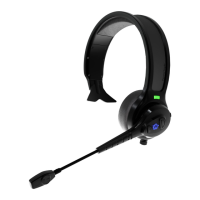
Pairing with Multiple Devices (Multi-Point Pairing)
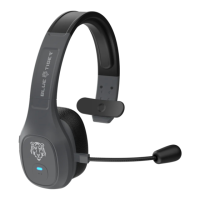
To connect your Blue Tiger Elite Plus™ headset to two Bluetooth devices
simultaneously, follow the instructions below.
1. Pair with the first device. (Follow “Pairing Instructions” for the first device.)
2. On the first device: turn off Bluetooth or disconnect from Elite Plus™. You
should hear “ready to pair” in the headset.
3. On the second device, access the Bluetooth menu, and select Elite Plus™ from
the pairing list. Enter passkey or PIN code if necessary. You should hear
"device connected”.
4. On the first device turn on Bluetooth and/or reconnect your Elite Plus™ headset
from the list of devices. You should hear a second “device connected” alert.
5. Your Elite Plus™ headset is now paired with both devices.
If you need further assistance on pairing two devices, please give us a call
at 800-935-1165.
®


 To Next Page