4
5
General
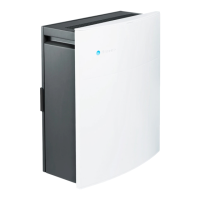
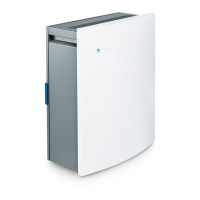
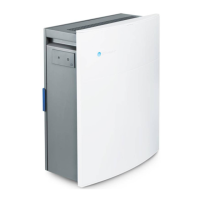
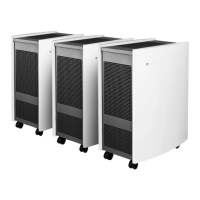
Blueair 200 series
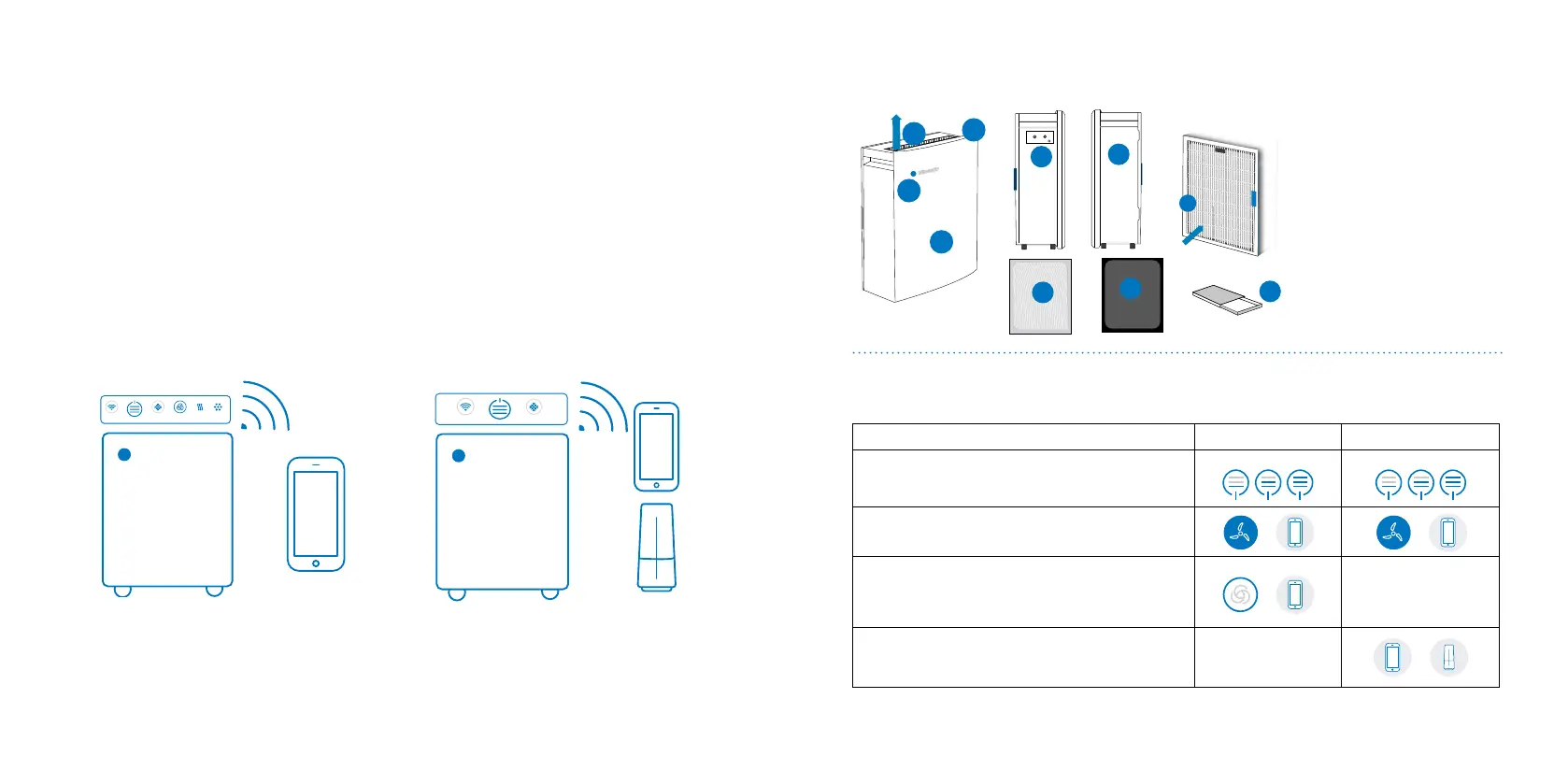
Blueair 200 series air puriers are Wi-Fi enabled
and are available in two models. The 280i mod-
els have built-in sensors for PM2.5, VOC, tem-
perature/humidity, and the 205 models with no
built-in sensors.
Adjustments to the air puriers can be made
manually anywhere and at any time, either via
the touch buttons on the control panel located
under the ip-up lid, or remotely via the Blueair
Friend
TM
mobile app.
Wi-FiFILTER AUTO PM 2.5VOC
The air purier can also be automatically regulat-
ed based on the air quality readings from the
built-in sensors (280i), or the optional external air
quality monitor Blueair Aware
TM
(205)
For more information on how to use your air
purier together with the Blueair Aware air
quality monitor, please see the Blueair Aware
owner’s manual and the support information.
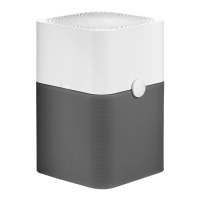
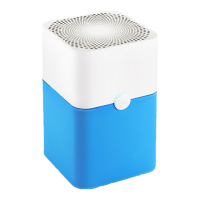
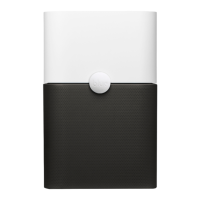
205 model280i model
1. Control panel
2. Blue LED
3. Front cover
4. 280i left view with
sensor holes
5. 205, 280i right view
6. Air outlet
7. Air inlet (back view)
8. Particle lter, or
9. Smokestop
TM
lter
10. Kit box
- welcome card
- user manual
2
1
3
6
7
10
4
5
9
8
Adjusting fan (air ow) speed
Please refer to the table below to see the different options available for controlling your air purier.
Overview of unit
Control options 280i 205
Manual control via touch buttons on control panel
Remotely via the Blueair Friend mobile app.
Automode based on air quality readings from the built in
sensors. This function may be activated either via the
touch button on the control panel or via the Blueair Friend
mobile app.
Automode based on air quality readings from the external
air quality monitor Blueair Aware. This function is activated
via the Blueair Friend mobile app.
Min
Speed 1 Speed 2
Max
Speed 3
Min
Speed 1 Speed 2
Max
Speed 3
Maximum speed is recommended for fast initial cleaning, during the day or when the air is heavily
polluted. Minimum speed is recommended for nighttime use.







 To Next Page