EasyManua.ls Logo

Blueant X6 - Page 5

Blueant X6
11 pages
Print Icon
To Next Page IconTo Next Page
To Previous Page IconTo Previous Page
Loading...
Get
to
know
your
X6
-
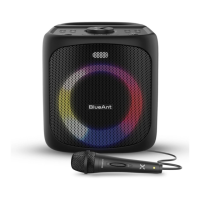
Front
of
speaker
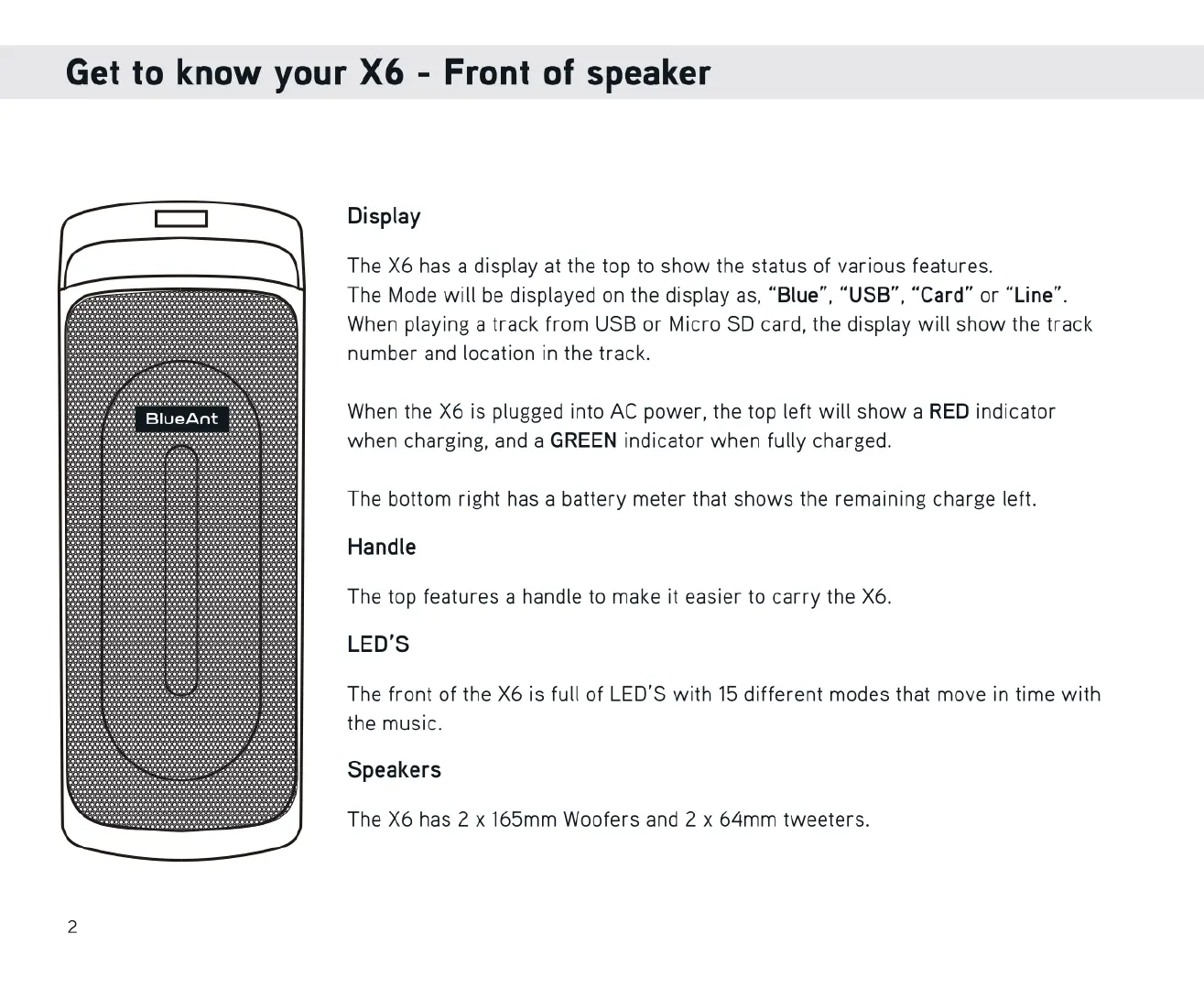
Display
The
X6
has
a
display
at
the top
to
show
the
status
of
various
features.
The
Mode
will
be
displayed
on
the
display
as,
“Blue”,
“USB",
“Card”
or
“Line".
When
playing
a
track
from
USB
or
Micro
SD
card,
the
display
will
show
the
track
number
and
location
in
the
track.
When
the
X6
is
plugged
into
AC
power,
the
top
left
will
show
a
RED
indicator
when
charging,
and
a
GREEN
indicator
when
fully
charged.
The
bottom
right
has
a
battery
meter
that
shows
the
remaining
charge
left.
Handle
The
top
features
a
handle
to
make
it
easier
to
carry
the
X6.
LED'S
The
front
of
the
X6
is
full
of
LED'S
with
15
different
modes
that
move
in
time
with
the
music.
Speakers
The
X6
has
2
x
165mm
Woofers
and
2
x
64mm
tweeters.

Related product manuals