English BlueCard
Data Upload
BP-2002S/BP-2002F reader could upload the data via communication
station from BS-1000, BS-2000, BS-3000, BS-4000/BS-4000m,
BS-6000
Take BS1000 for example:
Connect the BS-1000 wireless communication station to the PC, and
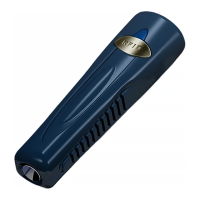
place the BP-2002S guard tour reader in its indentation. The reading
head of the BP-2002S should be between the status lights of the
BS-1000, and its top should be flush against the inside edge of the
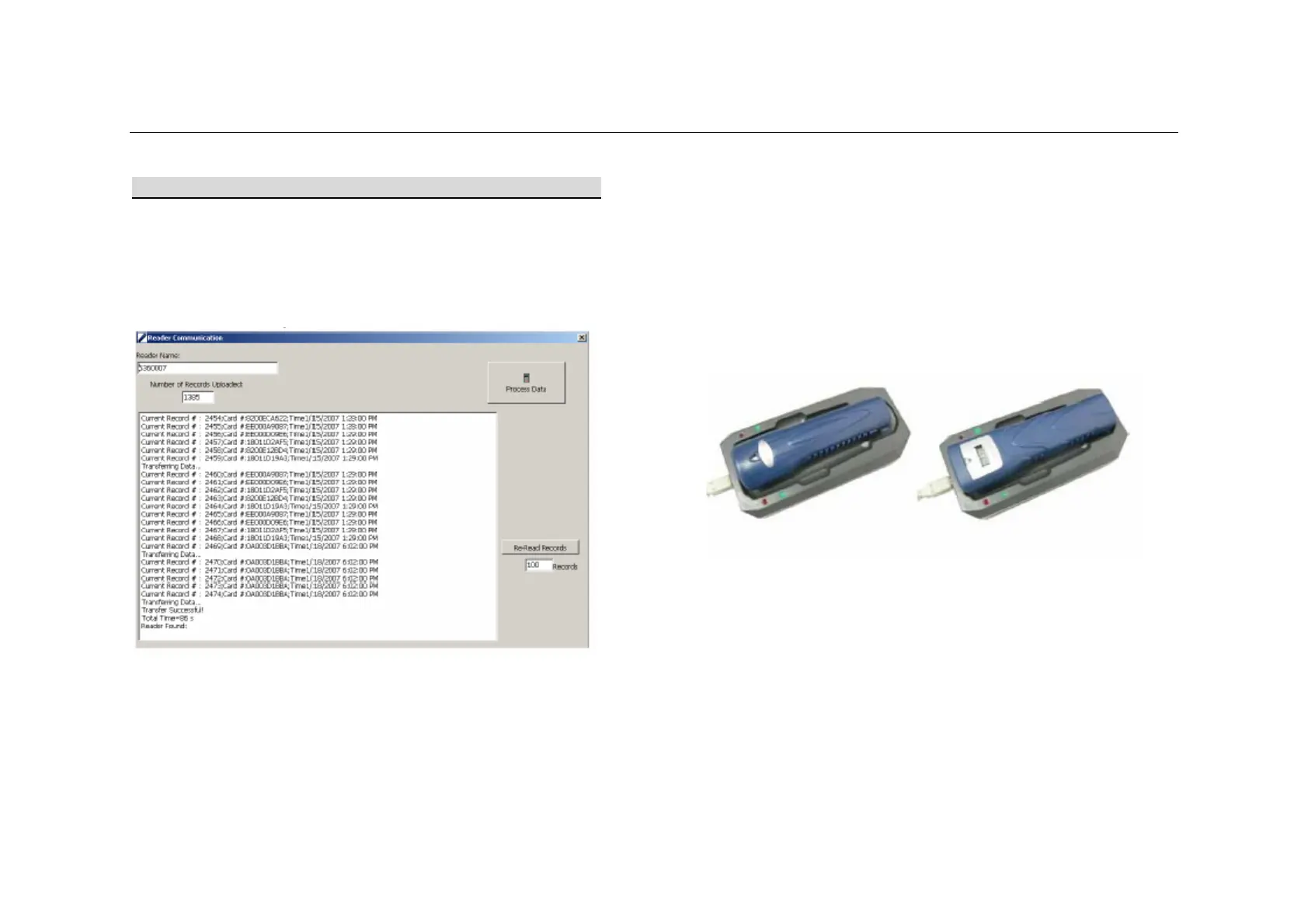
BS-1000. The “Connect” window should be started in the PC software,
and the data upload process will be automatically started.



 To Next Page