2 3
Welcome to Bluesound
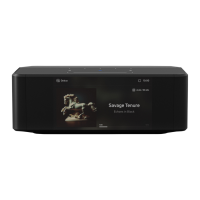
Thank you for purchasing your NODE ICON. This is the Bluesound flagship music streamer designed to bring the
very best music listening experience to any high-performance audio system.
BluOS
The BluOS multi-room music streaming platform, the world’s leading ecosystem for hi-res streaming audio, is the
backbone of Bluesound product performance. The NODE ICON has music services built right in, so listening to your
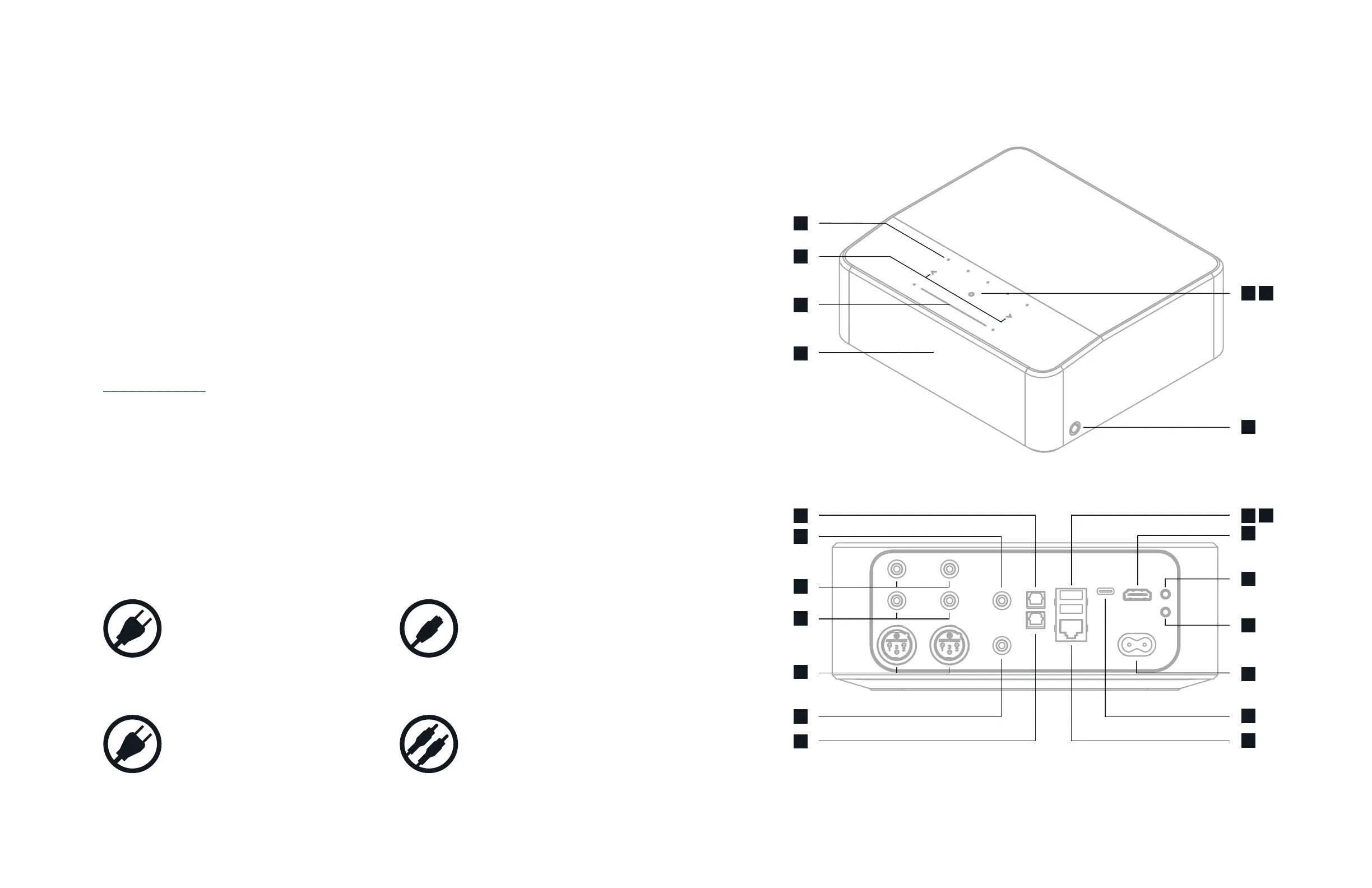
favorite artist or playlist is simple. Connect the NODE ICON to any audio system by using its superior Balanced XLR
or analog RCA outputs or pass the digital signals along with Coax, Optical or USB. Using the BluOS Controller App,
group your NODE ICON with other Bluesound players for a whole home listening experience, or simply let it do all
the work itself to add hi-res streaming to your stereo. Either way, it’s easier than ever to enjoy the pleasures of hi-
res listening – on any existing amplifier or powered speakers– with the NODE ICON.
This Owner’s Manual will provide you with a more detailed overview of your NODE ICON and its features. It also
includes some troubleshooting tips and tricks and networking best practices. The Quick Setup Guide included with
your NODE ICON will help you get it on the network and ready to listen to your music.
If you need help or information please visit support.bluesound.com or send us an email at
support@bluesound.com
Included Accessories
Ethernet Cable120V AC Power Cord
230V AC Power Cord Stereo RCA to RCA Cable
1
2
5
6
8
9
10
11
12
13
14
3 4
16
7
15
17
18
19
20
21
22


 To Next Page
 Loading...