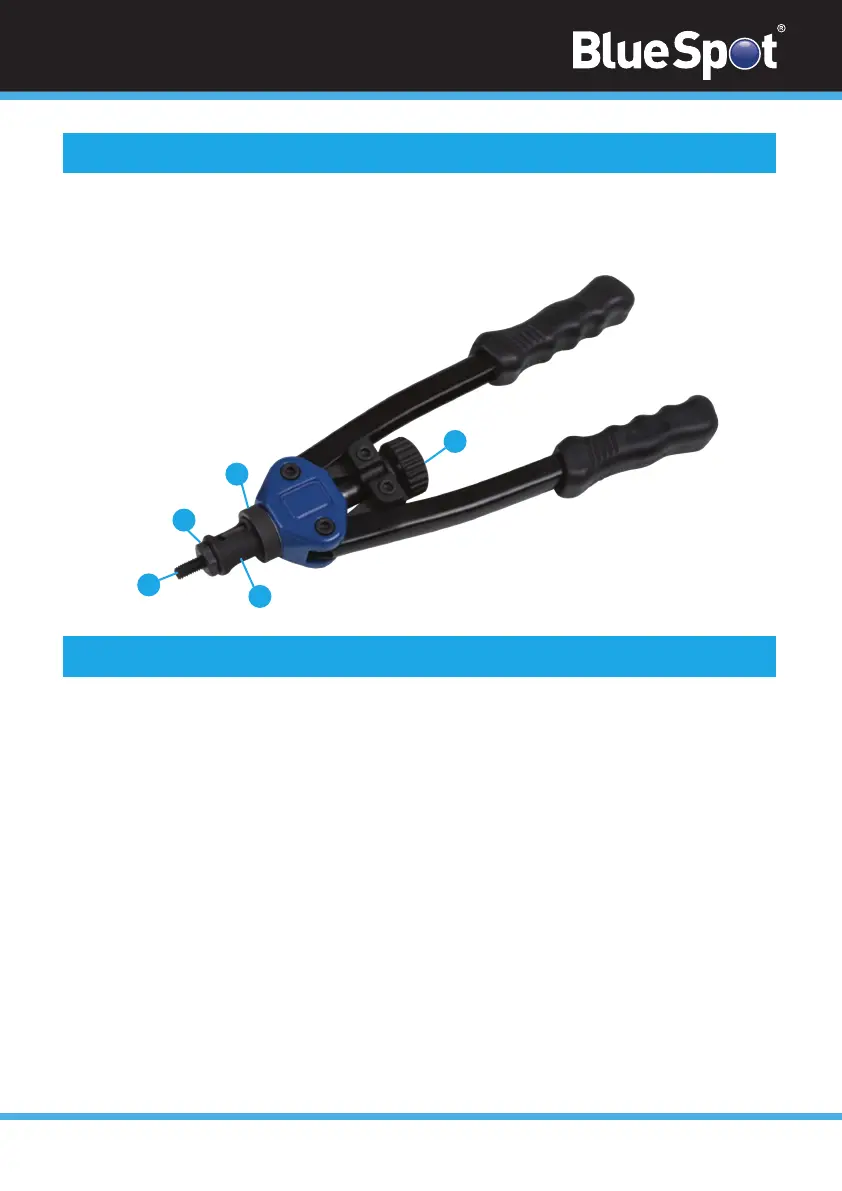
1. Thumbwheel
2. Mandrel
3. Mandrel Nut
4. Sheath
5. Lockring
1
2
3
4
5
02
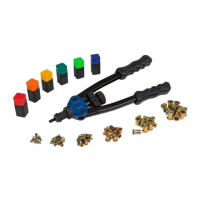
The BlueSpot Nut Riveter (M3-M10) is ideal for the application of steel and aluminium
rivet nuts. The heavy-duty ergonomic handles help to minimise hand fatigue. Tool included for
easy change of rivet nut diameter.
Introduction
Inserting Rivet Nuts
1. Rotate the sheath anticlockwise to lengthen the working stroke and clockwise to
shorten the working stroke.
2. Retighten the lock ring.
3. Choose the rivet nut to be installed.
4. Open the handles outward as far as possible.
5. Thread the rivet nut clockwise onto the mandrel until it is level with the end of the nut.
Operation
1. Correctly insert the rivet nut into the riveter using the instructions above.
2. Drill a hole in the work product the same size or slightly larger than the outside diame-
ter of the rivet nut to be installed.
3. Insert the riveter into the pre-drilled hole until flush with the product. Pull the handles
inwards to secure the rivet nut in the hole. The rivet needs to shorten by approximately 6mm.
4. To remove the mandrel from the rivet nut rotate the thumbwheel.
Operation


 To Next Page