EN
> 33
USB port
There is a USB port on the back of the display to power/charge your mobile phone
or tablet while the e-scooter is running. When the phone is connected, “CH” appears
in the display and the charging time is counting down. Note: The USB port is not
compatible with all iPhone devices.
Error messages
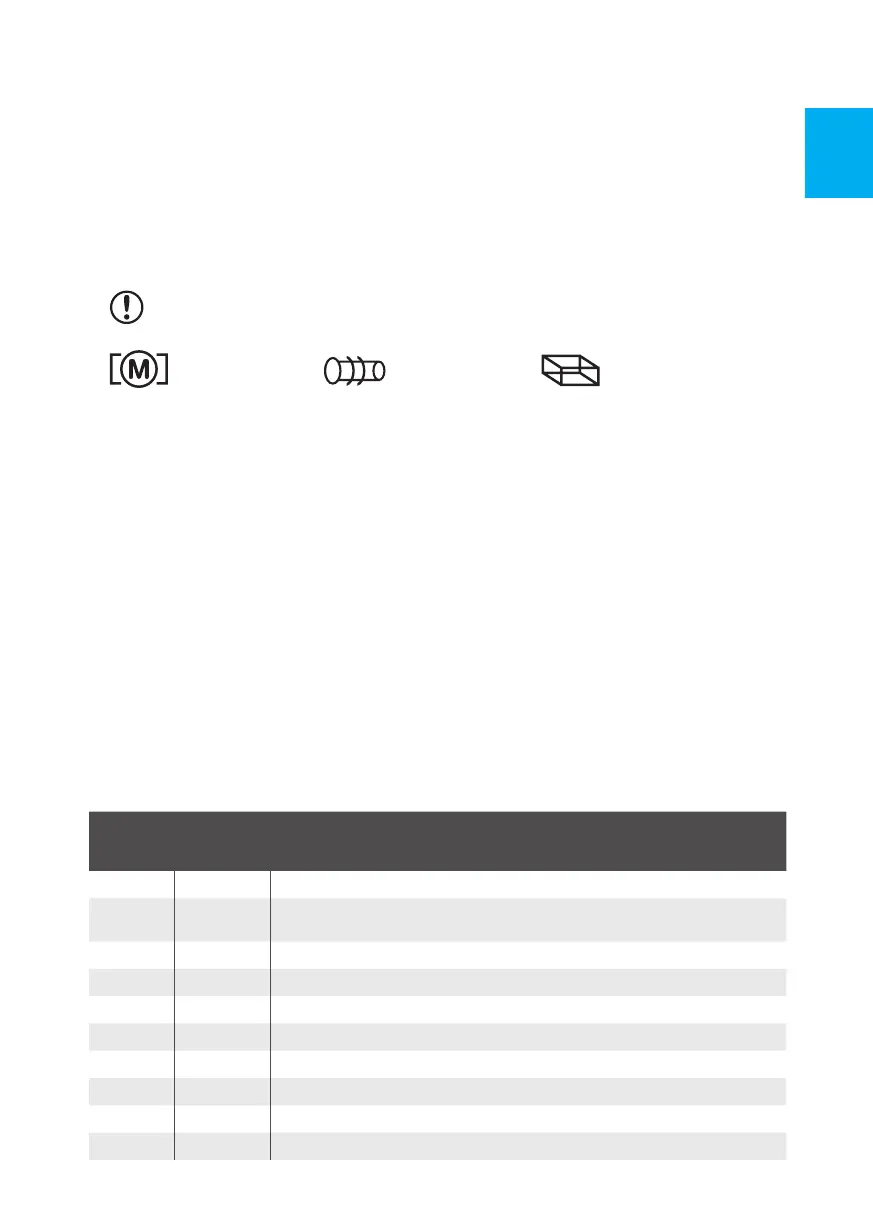
If the e-scooter has an error, the display may show an error symbol:
brake error (this symbol is always displayed when the brake lever is depressed
– this is not considered a malfunction)
engine defect throttle defect control unit defect
4. Display settings
The e-scooter is already set for use. We recommend NOT TO CHANGE PO, P1,
P2, P3, and P4 modes. Press the MODE and ON/OFF buttons simultaneously to
enter the setup mode. PO is displayed, then press the MODE button, displaying P1.
Press the MODE button to continue, displaying P2, P3 P4, P5, P6.
P0 = setting the wheel diameter of the e-scooter
P1 = undervoltage setting
P2 = speed display setting
P3 = speed measurement method (higher value = higher speed)
P4 = setting of miles and kilometers (0 = km, 1 = miles)
P5 = accelerator (0 reacts at zero speed/1 – necessary to push off,
reacts after pushing off)
P6 = cruise control activation
P7 = acceleration after start (1 = strong acceleration)
P8 = maximum speed limit
P9 = efficiency of electric brakes (0 = none, 1 = weak, 2 = efficient)
Function
Set value
from
production
Setting options
P0 10 Wheel diameter in inches. Not necessary to set.
P1 415 Undervoltage protection. DO NOT CHANGE, the battery may be
damaged or deteriorated.
P2 15 Adjustment of speed display. Higher value = lower speed
P3 0 Speed measurement method. DO NOT CHANGE.
P4 0 Speed unit. 0 = km/hr., 1 = mile/hr.
P5 1 Throttle lever functionality. 1 = gas reacts only after pushing off with foot.
P6 1 Cruise control. 0 = cruise control will not work.
P7 0 Acceleration after start. 1 = fast (not smooth)
P8 100 Maximum speed limit Lower value = lower max. speed
P9 2 Efficiency of electronic brake. 0 = none, 1 = weak, 2 = efficient


 To Next Page
 Loading...