English
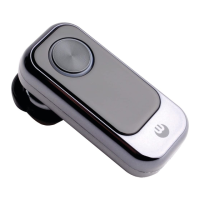
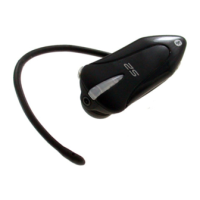
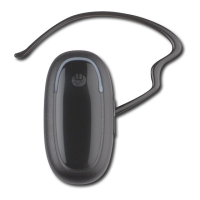
BLUETREK Bizz I 12
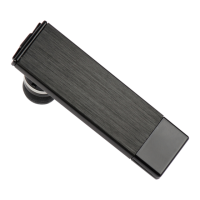
Using the BLUETREK Bizz® as flash storage device
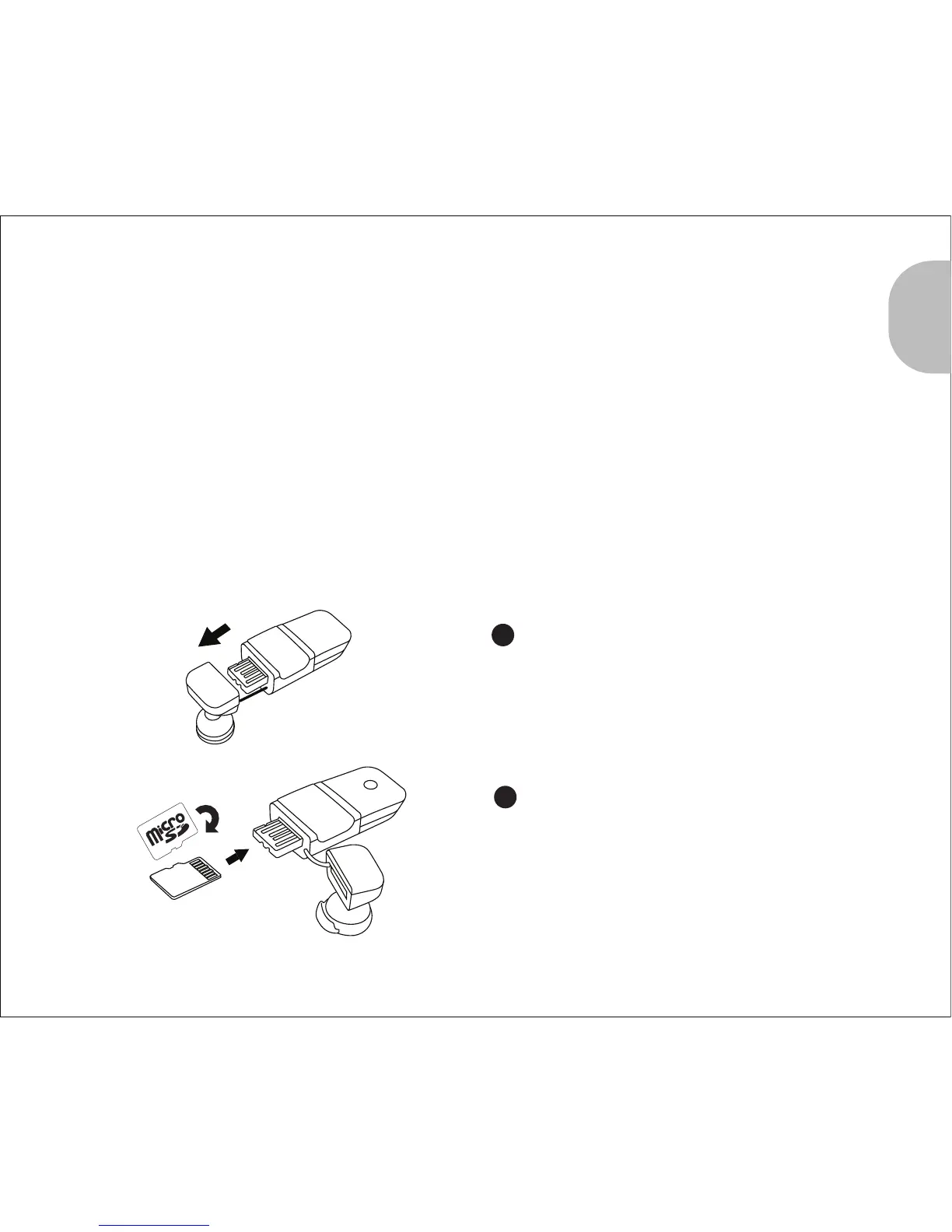
Inserting the microSD card into the BLUETREK Bizz®
System Requirements
The BLUETREK Bizz® works with default driver from Windows ME/2000/XP/Vista, Mac OS
X/OS 10 or above, and Linux OS with kernel 2.6 or above.
For Windows 98/2000 and Mac OS 9, it is supported by vendor driver from Alcor. To
download the driver, please visit www.bluetrek.com
It is compatible with USB 2.0 for Hi-Speed transfer.
Remove the speaker cover.
1
2
2
Flip the microSD card and insert the
microSD card into the slot.


 To Next Page