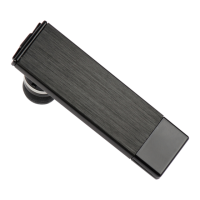
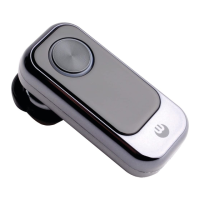
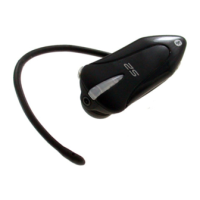
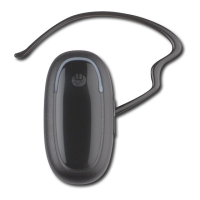
Switching the BLUETREK Bizz® ON and OFF
Switching BLUETREK Bizz® ON
When your headset is off, press and hold the TALK button for about 3 seconds until the
blue indicator light is on. A beep (2 tones) can be heard in the speaker. Release the
TALK button.
Switching BLUETREK Bizz® OFF
When your headset is on, press and hold the TALK button for about 7 seconds until the red
indicator light is on. A beep (2 tones) can be heard in the speaker then release the TALK
button.
Making a call
Mobile phone with voice recognition
. Make sure the voice recognition function on your mobile is activated and your voice tags
have been recorded with the phone. To enter these, please refer to your phone’s manual.
. When there is no incoming or active call, press once on the TALK button
. Wait for the audio signal sent by the mobile phone (generally a short tone).
. Speak the name of person you wish to call.
English
7 I BLUETREK Bizz


 To Next Page