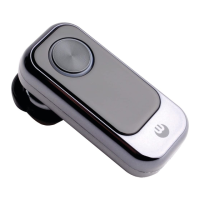
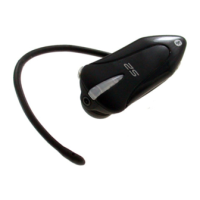
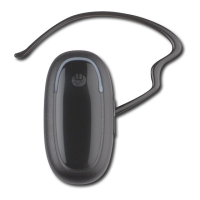
Charging the BLUETREK Bizz®
BLUETREK Bizz I 2
English
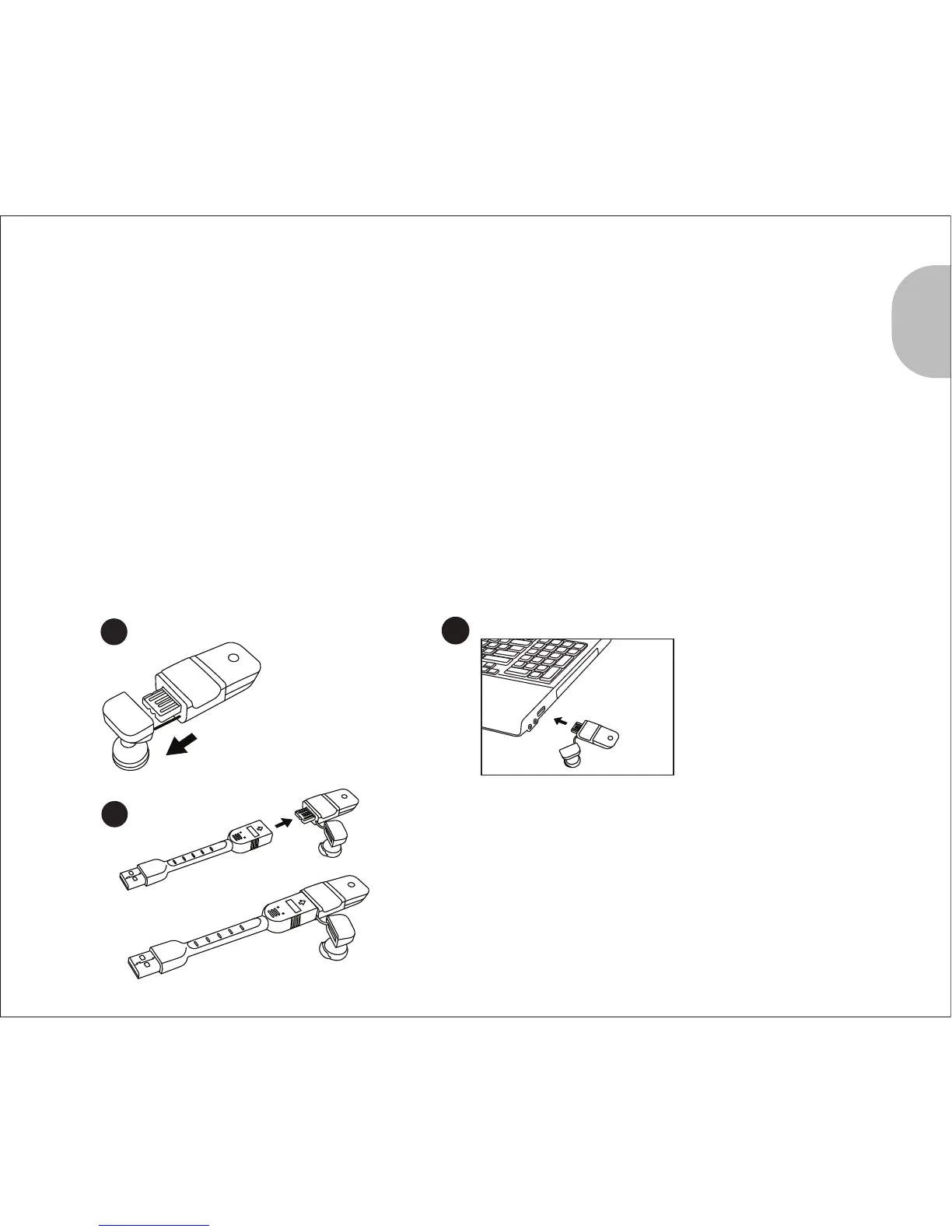
To charge your headset, please remove the speaker cover from the main body, then
connect the USB connector to a USB slot.
During the charge, the indicator light for headset status is red. The indicator light will turn
off when the charge is completed.
If a microSD card is inserted in the mircoSD card slot, the yellow indicator is switched on.
During subsequent charges, the charging should take approximately 2 hours.
When you hear a low-tone beep in your headset at regular intervals, and the indicator
light flashes in red, your headset needs to be recharged.
1
2
3
Remove the
speaker cover
Connect to the USB
port.
Because of the width of the connector, you may
not be able to connect it to certain USB ports on
your computer. If that's the case, you can use the
provided USB cable to make the connection.


 To Next Page