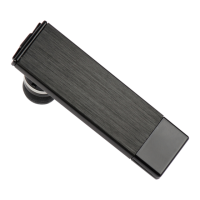
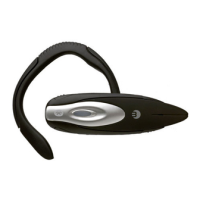
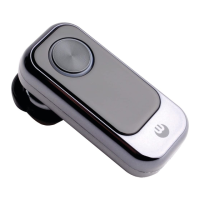
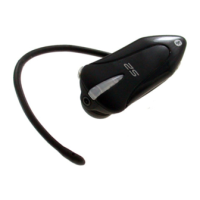
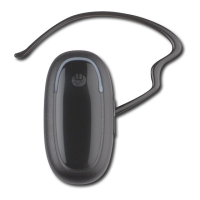
BLUETREK Bizz
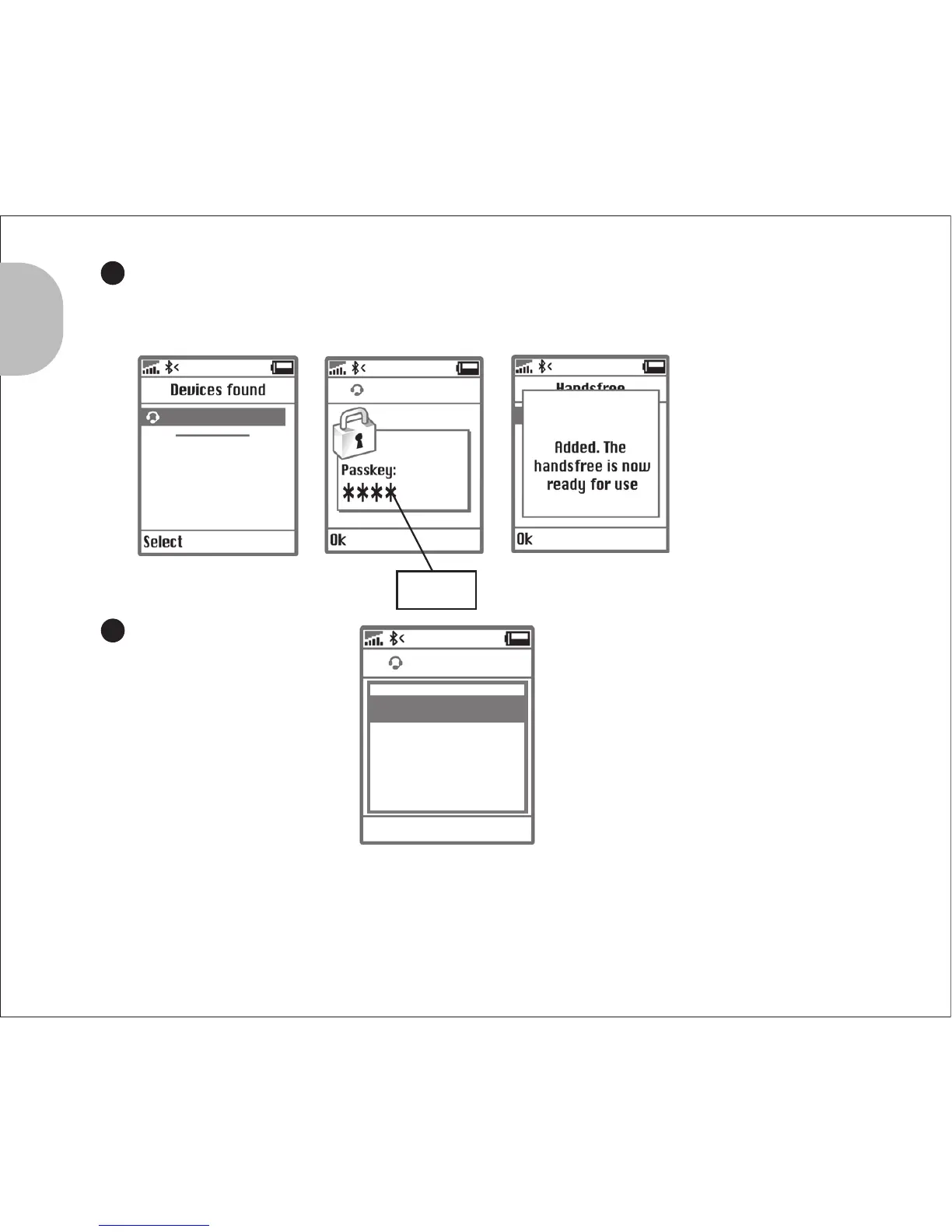
“0000”
4
BLUETREK Bizz
BLUETREK Bizz
5
BLUETREK Bizz
Connect
Assign short name
Set as unauthorised
Delete
Select Cancel
If pairing was successful, the indicator light will switch to blue and flashes slowly.
If you haven’t started the discovery mode within 5 minutes, the headset will go to the
standby mode. You must then switch off your headset and start the pairing again.
English
Once the mobile phone detects the headset, a “BLUETREK Bizz” message
will be displayed. Follow the phone instructions to accept the pairing. The PIN
code (or passkey) is 0000, then press “yes” or “ok”.
For some phones, you
may need to select
“Connect”
5 I BLUETREK Bizz


 To Next Page