English
2 I BLUETREK METAL EVOLUTION
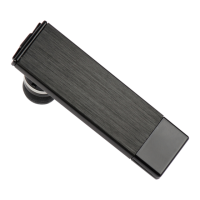
Charging the BLUETREK® Metal Evolution
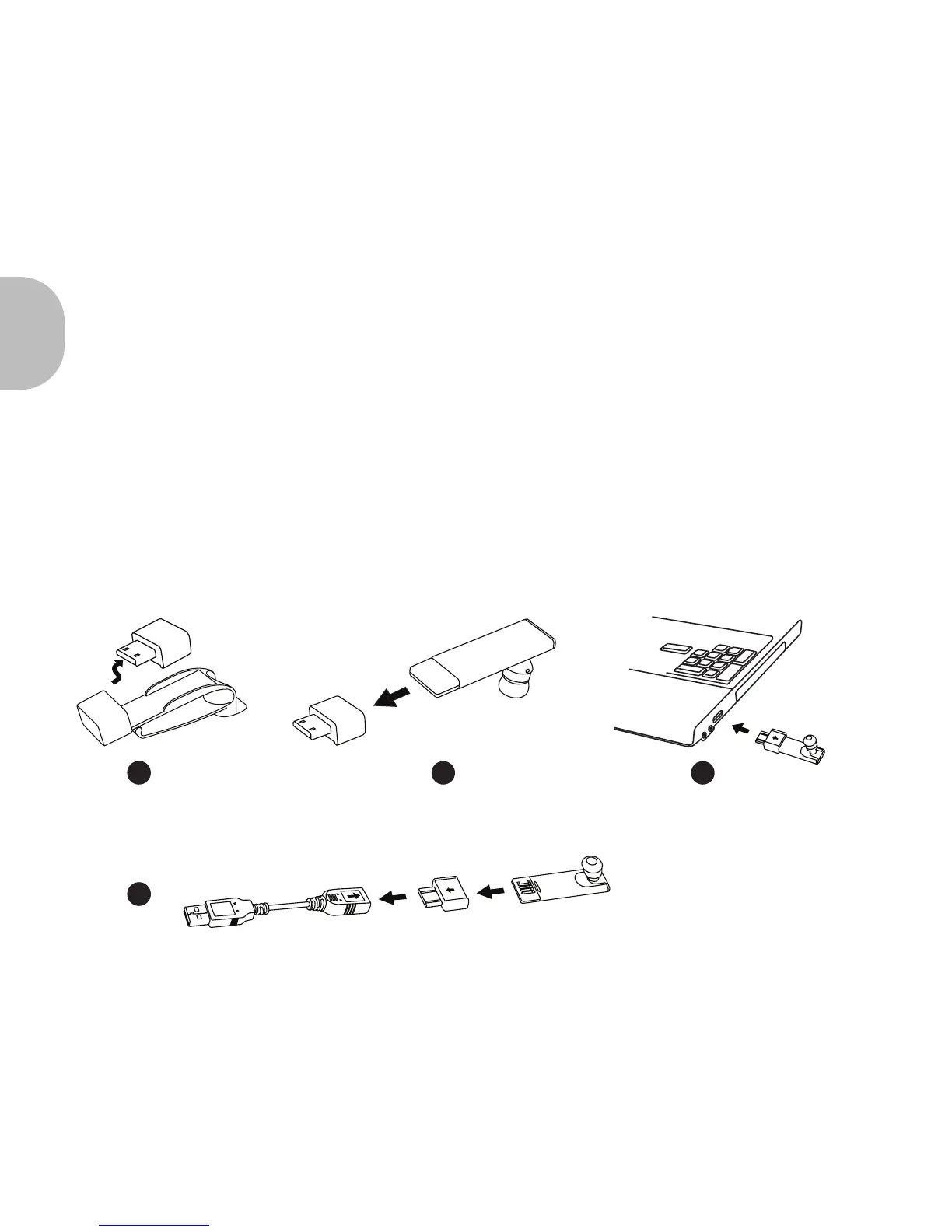
Please insert the adapter in the main body. Then connect the USB connector to a powered
USB slot.
During the charge, the red Bluetooth indicator is switched on. The indicator light will turn
o when the charge is complete.
During subsequent charges, the charging should take approximately 2 hours.
When you hear a low-tone beep in your headset at regular intervals, and the indicator light
ashes in red, your headset needs to be recharged.
1
2
3
In some cases, you have to charge by the USB cable.
4


 To Next Page