English
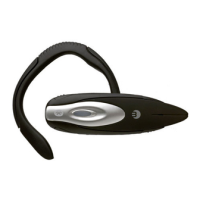
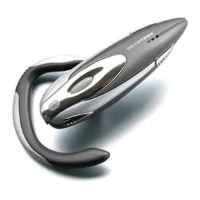
BLUETREK METAL EVOLUTION I 3
Switching the BLUETREK® Metal Evolution ON and OFF
Switching BLUETREK® Metal Evolution ON
When your headset is o, press and hold the TALK button for about 3 seconds until the blue
indicator light is on. A beep (3 tones) can be heard in the speaker.
Release the TALK button.
Switching BLUETREK® Metal Evolution OFF
When your headset is on, press and hold the TALK button for about 5 seconds until the red
indicator light is on. A beep (3 tones) can be heard in the speaker then release the TALK
button.
Pairing the BLUETREK® Metal Evolution
Before using the BLUETREK® Metal Evolution headset, you must
pair it with your Bluetooth® mobile phone.
Pairing is the process of linking 2 Bluetooth® devices, so that they
can communicate.
To initiate pairing:
Place the BLUETREK® Metal Evolution and your mobile phone
within 0.3 meter (1 foot) from each other.
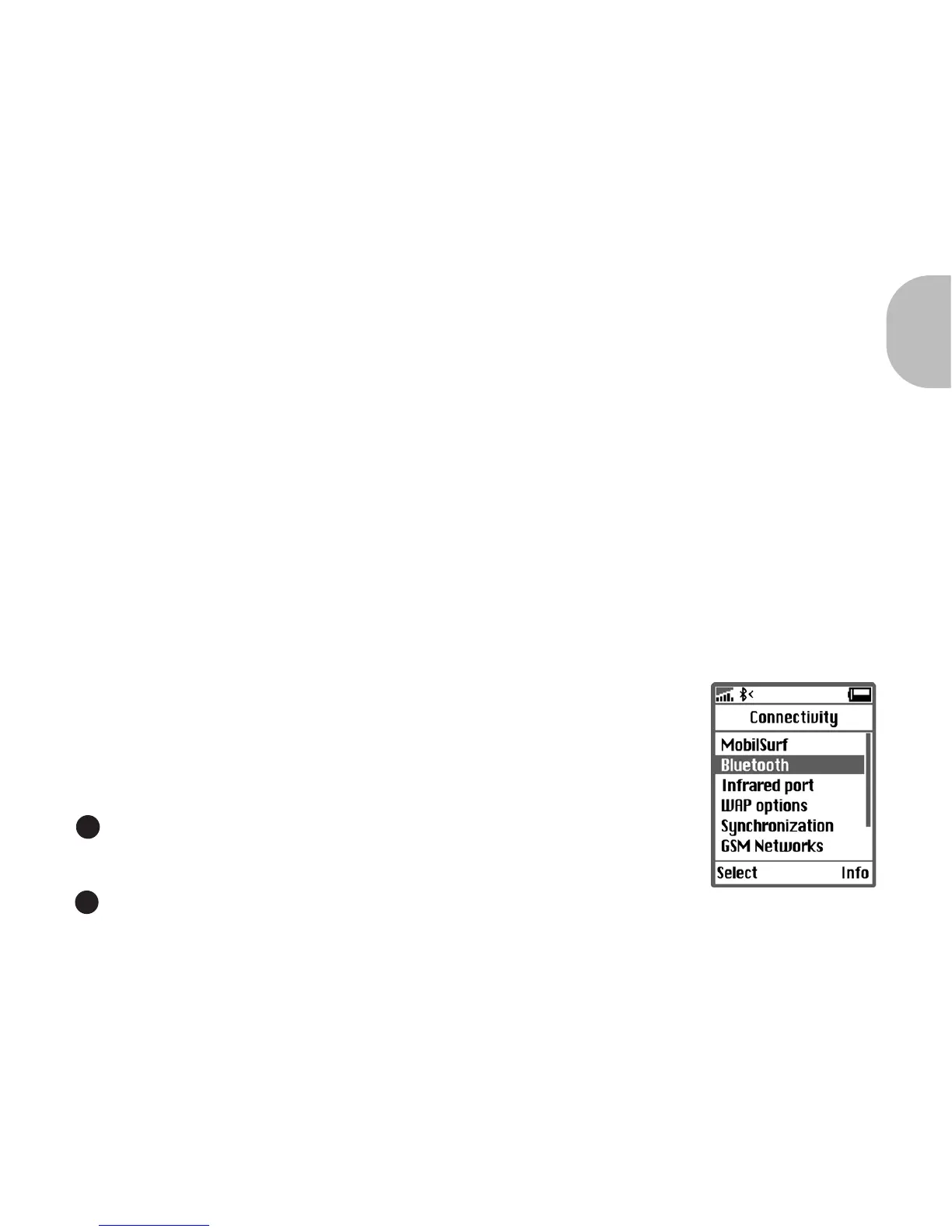
Switch on your phone and select its Bluetooth® discover mode
(refer to the Bluetooth® mobile phone user manual).
1
2


 To Next Page