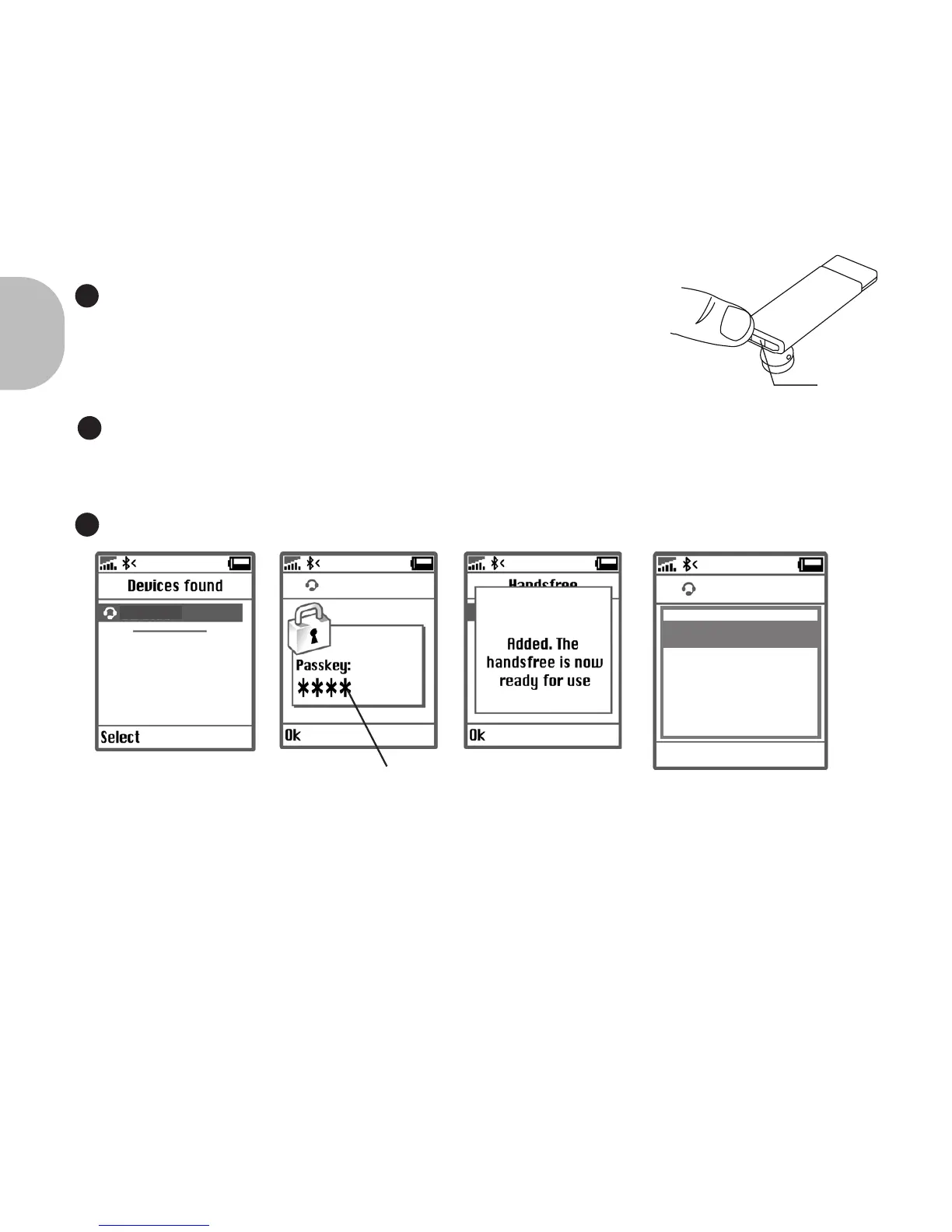
“0000”
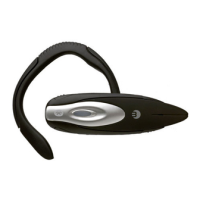
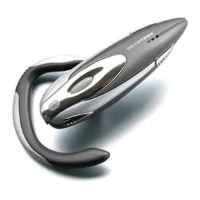
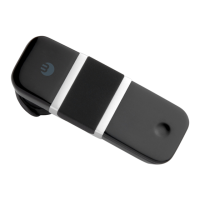
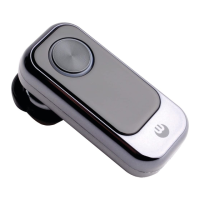
BLUETREK METAL EVO
BLUETREK METAL EVO
“Talk” button
English
4 I BLUETREK METAL EVOLUTION
When the BLUETREK® Metal Evolution is switched o, press and
hold the TALK button for about 5 seconds until the indicator light
ashes red and blue alternately. And a sound can be heard in the
speaker. (If the headset is swith on for the rst time, the headset will
go the pairing mode automatically.)
3
If you haven’t started the discovery mode within 5 minutes, the headset will go to the
standby mode. You must then switch o your headset and start the pairing again.
If pairing was successful, the indicator light will switch to blue and ashes slowly.
The headset will connect automatically to the mobile phone.
If the headset is not connected to the mobile phone for 20 minutes, the headset is switched
o automatically.
Once the mobile phone detects the headset, a “BLUETREK METAL” message will be dis-
played. Follow the phone instructions to accept the pairing. The PIN code (or passkey) is 0000,
then press “yes” or “ok”.
For some phones, you may need to select “Connect”.
4
5
BLUETREK METAL EVO


 To Next Page