6. Discharging
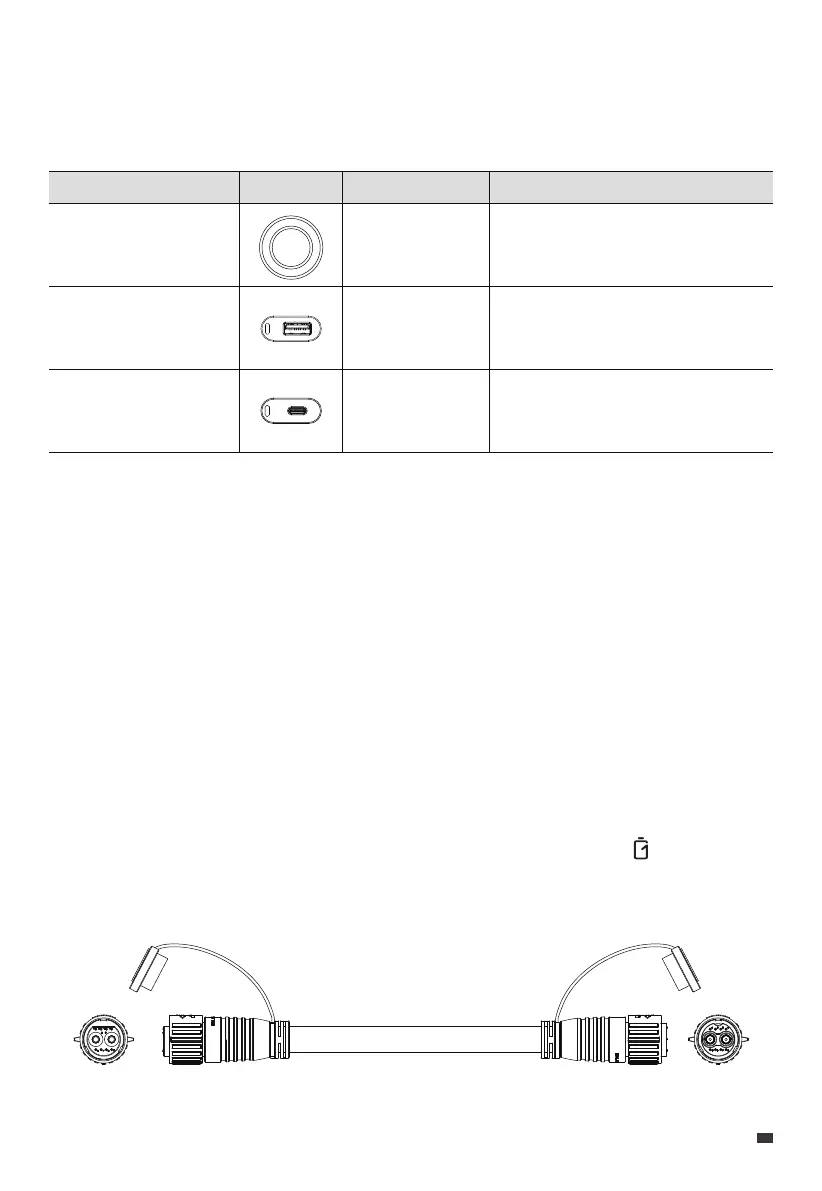
The B210P is equipped with three DC outlets, including a USB-C port, a USB-A port, and a
cigarette lighter port, which allow you to charge a variety of devices.
Note: To ensure optimal performance, avoid short-circuiting the ports and keep them dry
during use or storage. Additionally, do not block or cover the ports while ensuring proper
ventilation.
Port
Cigarette Lighter Port
USB-A
USB-C
Specifications
12V / 10A
QC 3.0, 18W Max.
PD 3.0, 100W Max.
Compatible Loads
12V DC appliances up to 120W power.
e.g. car refrigerator, air conditioner
Mobile phones and other small loads.
Mobile phones, laptops, etc.
Picture
7. AC240P + B210P Expansion Connection
The AC240P is compatible with up to 4 B210P units, providing an impressive total capacity
of up to 10,443Wh. To connect them:
Step 1: Make sure both AC240P and B210P are turned off.
Step 2: Connect them using the battery expansion cable.
Step 3: Power the AC240P on and the B210P turns on automatically. The displays on the
AC240P's screen.
JUST POWER ON 15
EN



 To Next Page