Appx. 1 FAQ
Q1:
A:
Q2:
A:
Q3:
A:
Why is the charging power often too low?
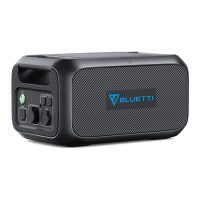
B70 has a built-in intelligent BMS that automatically adjusts the charging power in
response to the battery temperature and SoC, thus protecting the battery and
extending its service life.
How to upgrade the firmware of B70?
Connect it to AC180T, pair the system with BLUETTI app, and you can upgrade the
BMS firmware over-the-air (OTA).
If I forgot to turn off the B70, will it automatically power off by itself?
If the B70 is not placed in the AC180T or F045D, it’ll automatically turn off after 2
minutes of inactivity.
• SoC: State of Charge
• IP54: Ingress Protection 54(An IP54 rating ensures protection against dust and limited
water sprays from all directions.)
• BMS: Battery Management System
Appx. 2 Abbreviation
JUST POWER ON 15
EN



 To Next Page