15
contact support@blustream.co.uk | support@blustream.com.au
CUSTOM PRO MATRIX USER MANUAL
Matrix Front Panel Control
Front Panel Display - Input / Output Selection
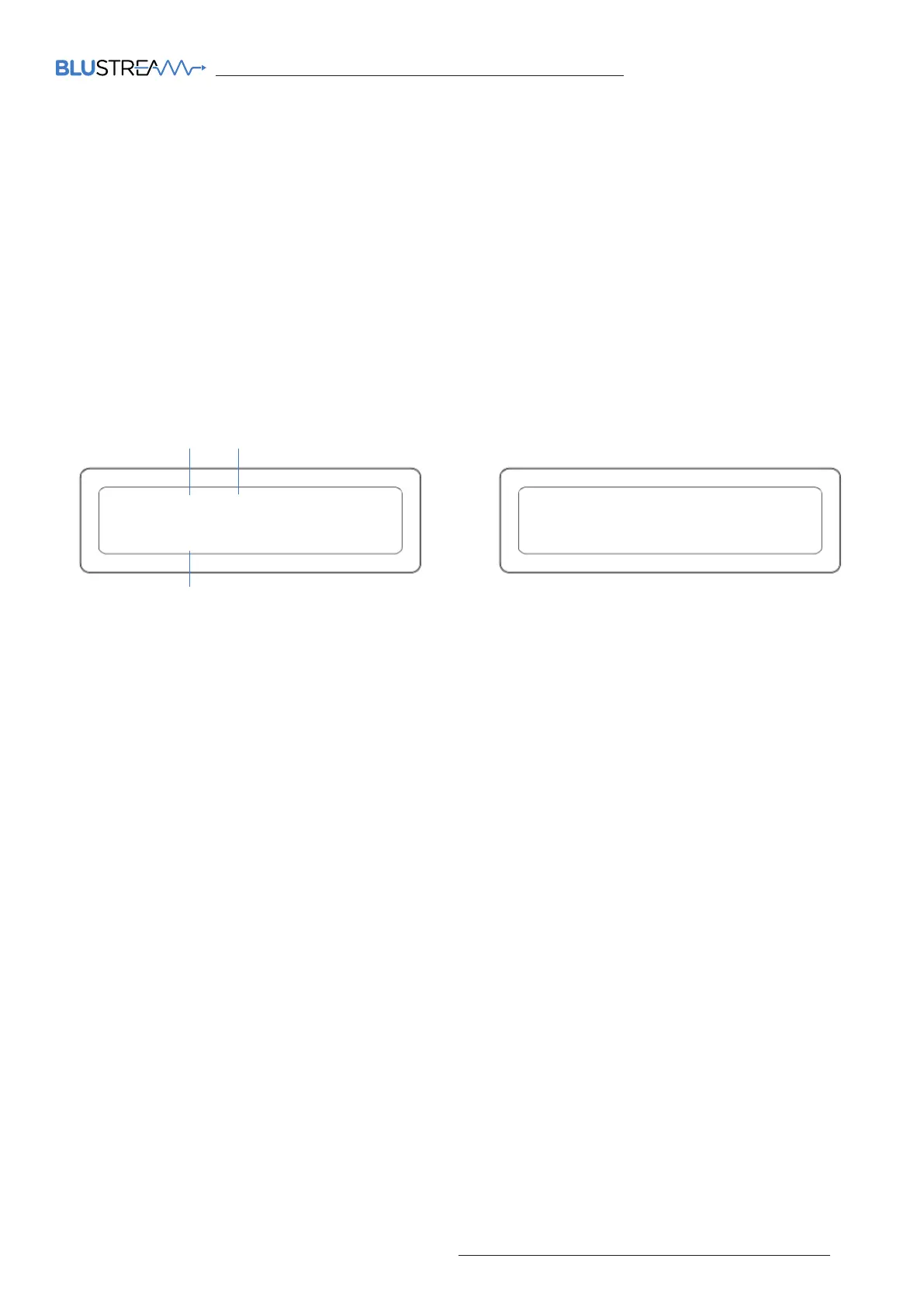
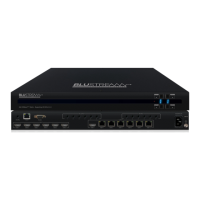
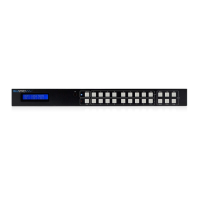
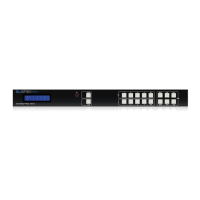
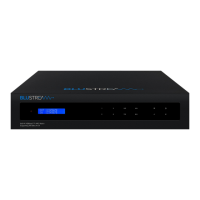
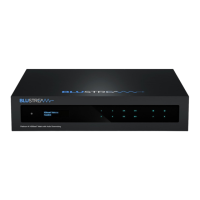
The front display shows current source input / output selection for all zones on the 8x8 chassis. The 16x16 chassis will
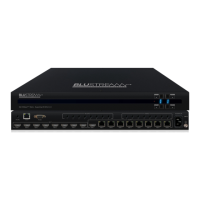
display 4 x zones at a time, and will periodically scroll through all outputs with the relevant input selection displayed.
The front panel display will time out aer a period of inactivity - press any button to wake the screen. Time out can be
disabled by issuing a command to the matrix - see RS-232 and Telnet Commands towards the rear of this manual.
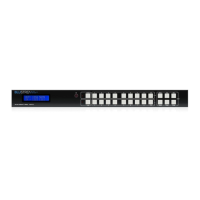
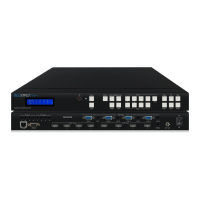
1. To change input selection first press ‘OUTPUT’ button (1-x), or combination of buttons to select the desired
zone.
2. Press desired ‘INPUT’ button (1-x), or combination of buttons to select the desired source input.
3. An ‘x’ on the front panel indicates that the zone output has been turned o. Zone outputs can be turned on /
o using RS-232 or TCP/IP commands. Zone outputs can be forced back on by powering OFF / ON the matrix.
All outputs will be turned on when the matrix is powered back on
Menu Structure
The following items can be accessed from the front panel of either chassis:
1. EDID Settings - choose the EDID required per input or as a global EDID setting for ALL inputs
2. Network Configuration - choose between: Auto or Static DHCP, view current IP address, set a new IP address,
Gateway, and Subnet Mask
3. F/W Version of the matrix. Please Note: matrix firmware cannot be upgraded from the front panel of the matrix.
Firmware upgrading is carried out using firmware upgrade soware. Please contact a member of the Blustream
Technical Support Team for more information.
OUT 1 2 X 4 5 6 7 8
IN 1 2 3 4 1 1 1 1
1 3
2
OUT 01 02 03 04
IN 01 02 03 04
8x8 chassis screen 16x16 chassis screen




 To Next Page