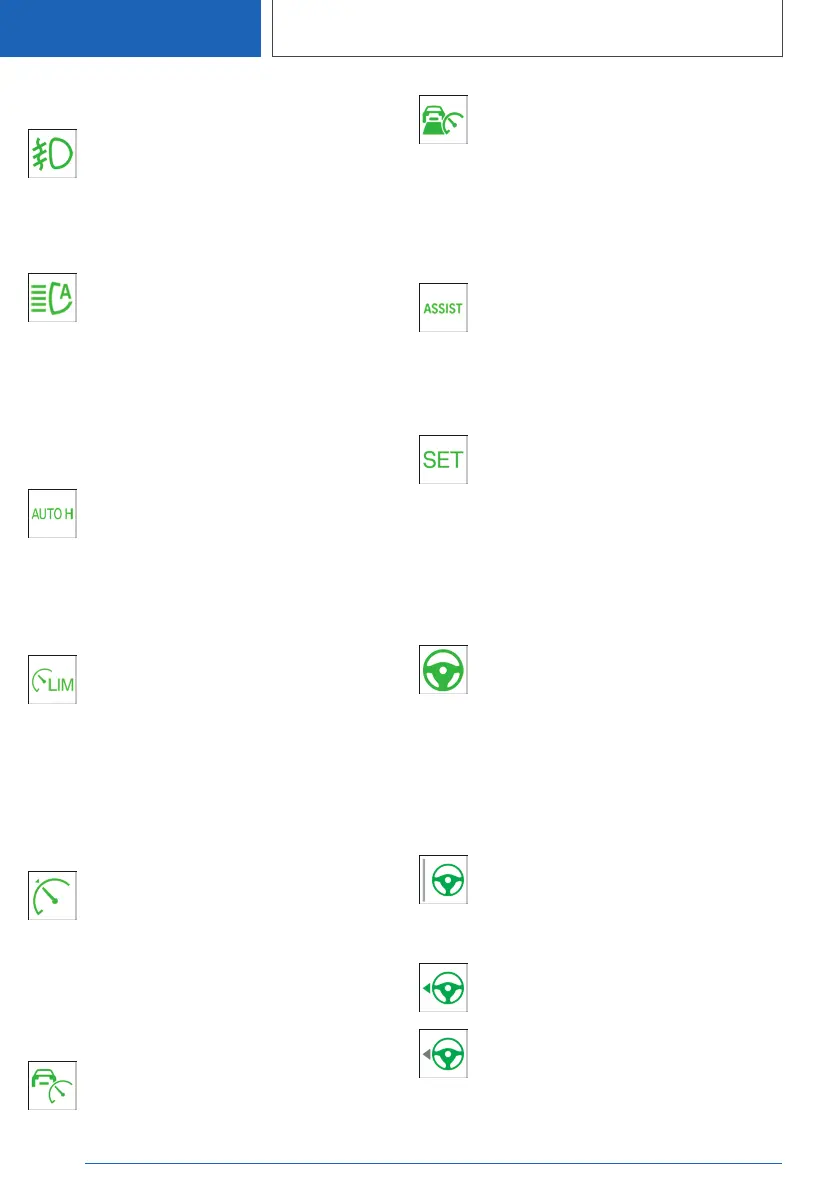
Front fog lights
Front fog lights are switched on.
For further information:
Front fog lights, see page 205.
High-beam assistance
High-beam assistance is switched on.
The high-beam headlights are switched
on and off automatically according to
traffic conditions.
For further information:
High-beam assistance, see page 203.
Automatic Hold
Automatic Hold is activated. The vehicle
is held automatically when at a standstill.
For further information:
Automatic Hold, see page 159.
Manual Speed Limiter
If the indicator lamp is illuminated: the
system is switched on.
If the indicator lamp is flashing: set speed
limit is exceeded.
For further information:
Manual Speed Limiter, see page 251.
Cruise Control
Indicator lamp is illuminated: the system
is active.
For further information:
Cruise Control, see page 253.
Active Cruise Control with Stop&Go
function
If the indicator lamp is illuminated: the
system is switched on.
For further information:
Active Cruise Control with Stop&Go function,
see page 255.
Speed Limit Assist
Depending on the equipment, indicator
lamp illuminates together with the sym‐
bol for a cruise control system: Speed
Limit Assist is active and detected speed limits
can be adopted manually for the displayed sys‐
tem.
Indicator lamp illuminates: the detected
speed limit can be adopted with the SET
button. As soon as the speed limit has
been adopted, a green tick is displayed.
For further information:
Speed Limit Assist, see page 264.
Steering and lane control assistant
Indicator lamp illuminates: the system is
helping the driver keep the vehicle in the
driving lane.
For further information:
Steering and lane control assistant, see
page 268.
Lane change assistant
Grey line for lane marking on the appro‐
priate side: the system has detected the
lane change request. Lane change not
currently possible.
Green arrow symbol for lane-changing:
the system carries out a lane change.
Grey arrow symbol for lane-changing:
lane change not possible; operating re‐
quirements not met.
For further information:
Seite 184
CONTROLS
Displays
184
Online Edition for Part no. 01405A1EA53 - X/20



 To Next Page