Safety notes
WARNING
The system does not relieve you of your per‐
sonal responsibility to assess the visibility con‐
ditions and traffic situation correctly. There is a
risk of accident. Adapt your driving style to the
traffic conditions. Observe the traffic situation
and intervene actively if the situation warrants it.
WARNING
Displays and warnings do not relieve you of
your personal responsibility. System limitations
can mean that warnings or system responses
are not issued or are issued too late, incorrectly
or without justification. There is a risk of acci‐
dent. Adapt your driving style to the traffic con‐
ditions. Observe the traffic situation and inter‐
vene actively if the situation warrants it.
Overview
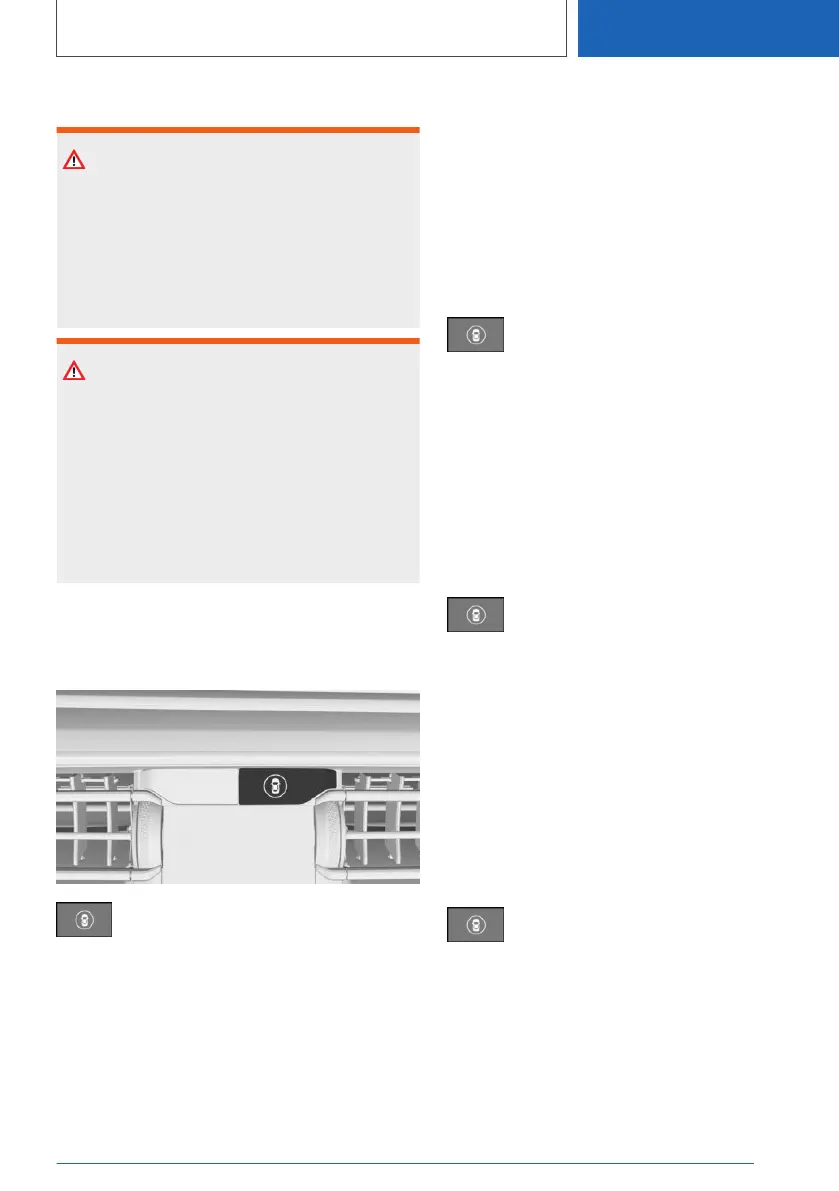
Button in the vehicle
Intelligent Safety
Sensors
The system is controlled using the following sen‐
sors:
▷ Side radar sensors, rear.
For further information:
Sensors of the vehicle, see page 47.
Switching on/off
Automatic activation
The Lane Change Warning is reactivated auto‐
matically at the start of a journey if the function
was switched on the last time the engine was
stopped.
Switching on manually
Press the button.
The menu for the Intelligent Safety Sys‐
tems is shown.
If all Intelligent Safety Systems were switched
off, all systems are now switched on.
"Configure INDIVIDUAL": depending on the
equipment, the Intelligent Safety Systems can be
configured individually. The individual settings
are activated and saved for the current driver
profile. As soon as a setting is changed in the
menu, all settings in the menu are activated.
Press the button repeatedly.
The setting switches between the
following:
"ALL ON": all Intelligent Safety Systems are
switched on. Basic settings are activated for the
sub-functions.
"INDIVIDUAL": the Intelligent Safety Systems are
switched on according to the individual settings.
Some Intelligent Safety Systems cannot be
switched off individually.
Switching off manually
Press and hold the button.
All Intelligent Safety Systems are
switched off.
Seite 229
Safety
CONTROLS
229
Online Edition for Part no. 01405A1EA53 - X/20



 To Next Page