dent. Adapt your driving style to the traffic con‐
ditions. Observe the traffic situation and inter‐
vene actively if the situation warrants it.
Operating requirements
The road priority situation must be unambigu‐
ously directed by road signs or light signal sys‐
tems.
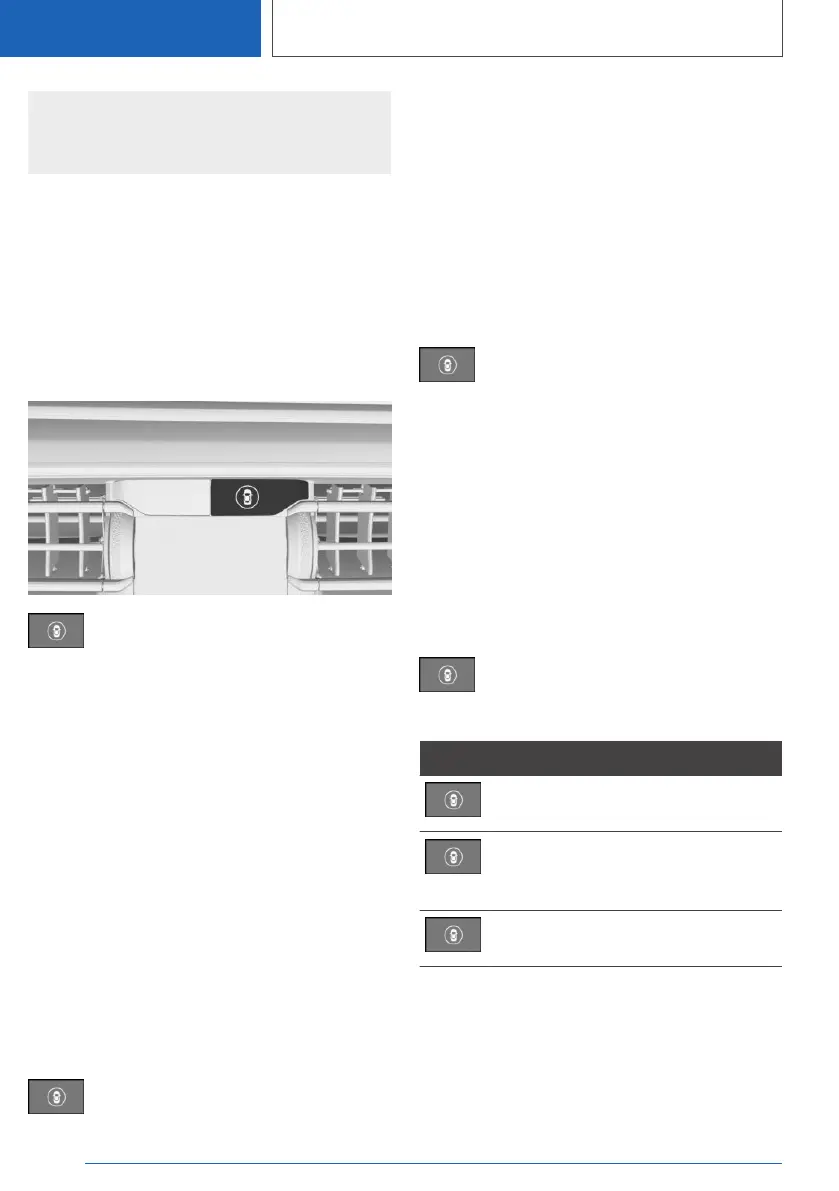
Overview
Button in the vehicle
Intelligent Safety
Sensors
The system is controlled using the following sen‐
sors:
▷ Cameras behind the windscreen.
For further information:
Sensors of the vehicle, see page 47.
Switching on/off
Automatic activation
The road priority warning is activated automati‐
cally at the start of a journey if the function was
switched on the last time the engine was stop‐
ped.
Switching on manually
Press the button.
The menu for the Intelligent Safety Systems is
shown.
If all Intelligent Safety Systems were switched
off, all systems are now switched on.
"Configure INDIVIDUAL": depending on the
equipment, the Intelligent Safety Systems can be
configured individually. The individual settings
are activated and saved for the current driver
profile. As soon as a setting is changed in the
menu, all settings in the menu are activated.
Press the button repeatedly.
The setting switches between the
following:
"ALL ON": all Intelligent Safety Systems are
switched on. Basic settings are activated for the
sub-functions.
"INDIVIDUAL": the Intelligent Safety Systems are
switched on according to the individual settings.
Some Intelligent Safety Systems cannot be
switched off individually.
Switching off manually
Press and hold the button.
All Intelligent Safety Systems are
switched off.
Button Status
Button illuminates green: all Intelligent
Safety Systems are switched on.
Button illuminates orange: some Intel‐
ligent Safety Systems are switched
off or are currently not available.
Button does not illuminate: all Intelli‐
gent Safety Systems are switched off.
Setting the warning time
1.
"CAR"
2. "Settings"
3. "Driver assistance"
Seite 236
CONTROLS
Safety
236
Online Edition for Part no. 01405A1EA53 - X/20



 To Next Page